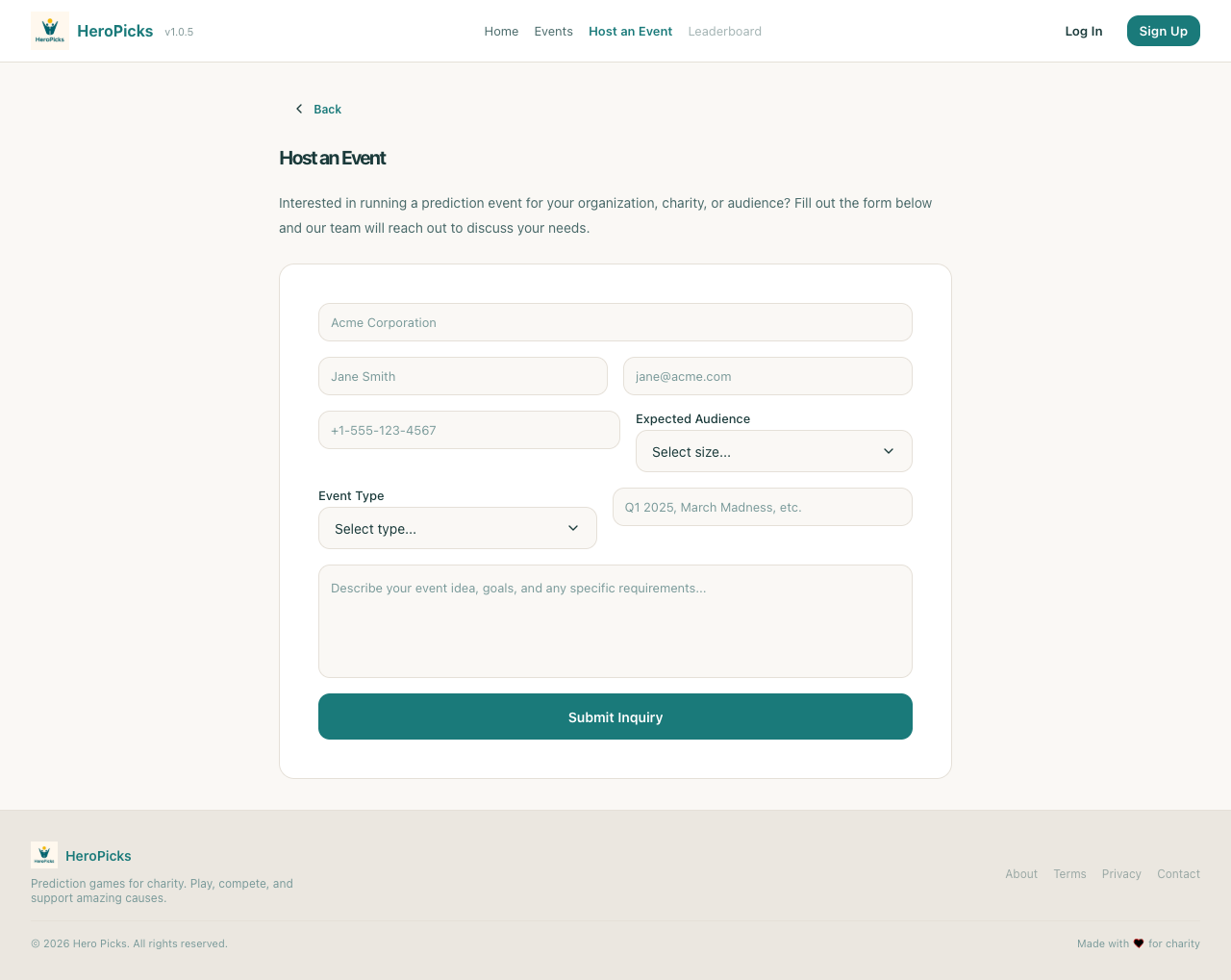
S22-S23-Features
2026-02-06T16-29-03 | https://hero-picks-ui.pages.dev | Viewport: 1280×800
PASS
Step 1: User can access the Host an Event page
1584ms
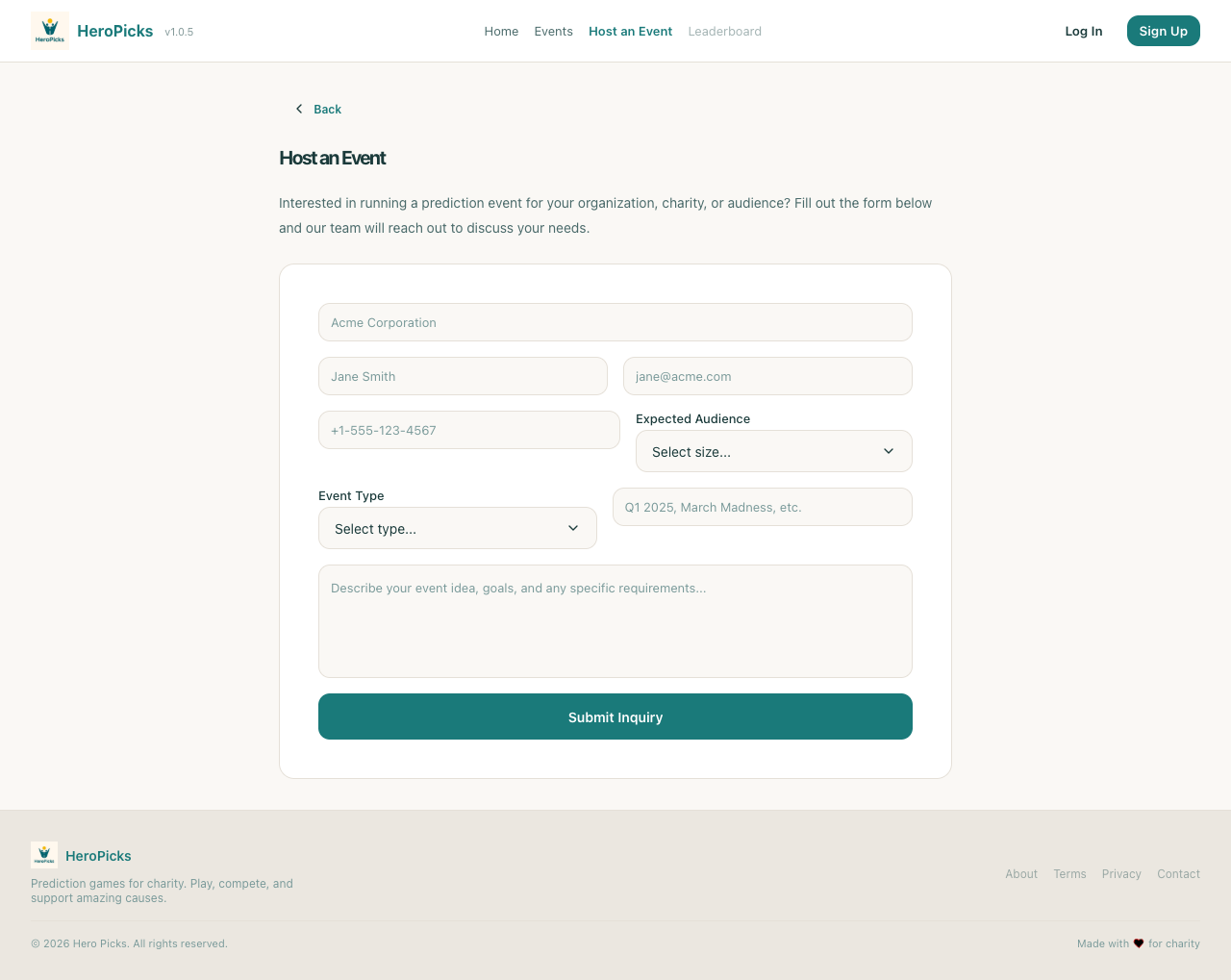
PASS
Step 2: Page displays title and instructions
5ms
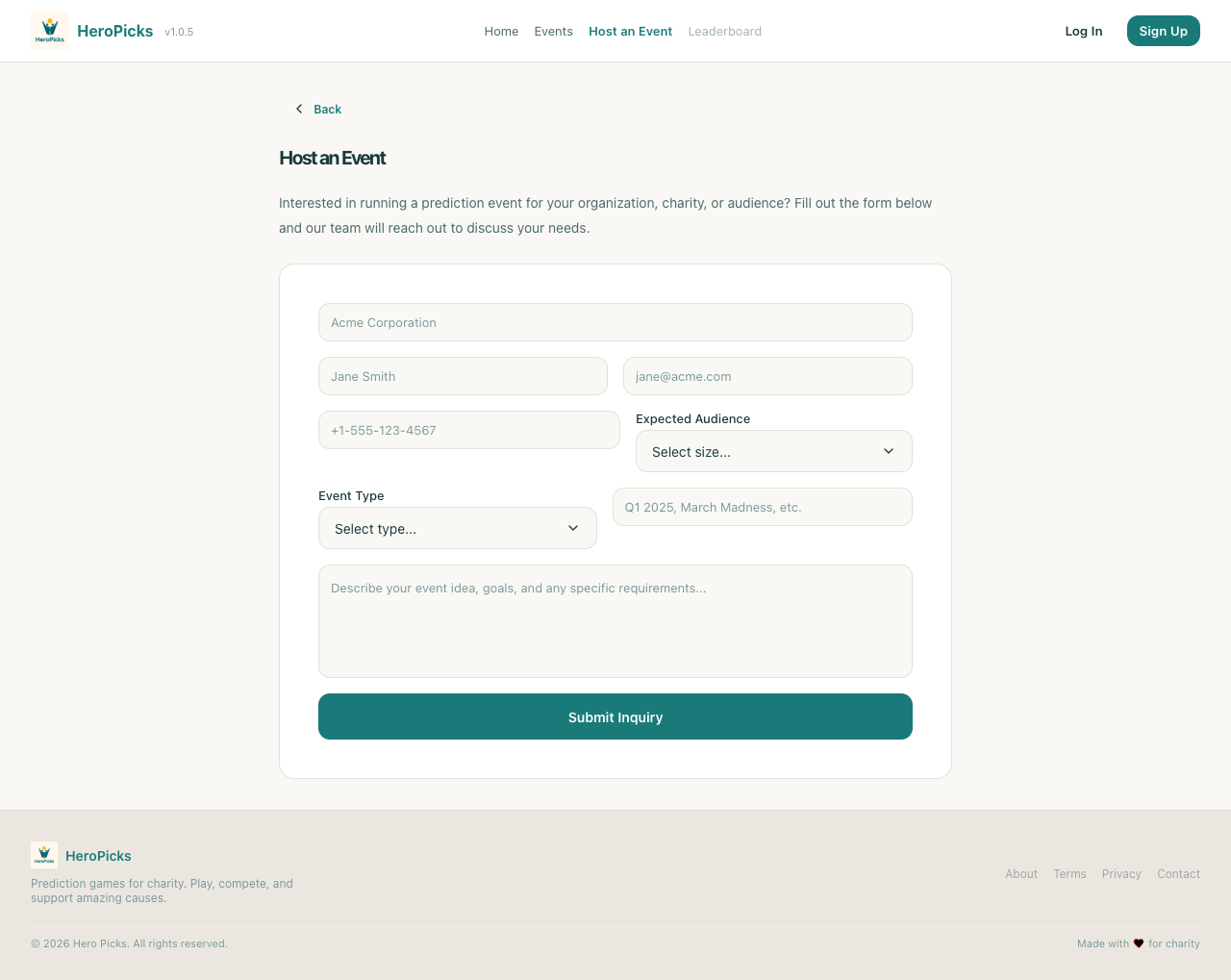
PASS
Step 3: Form shows all required input fields
5ms
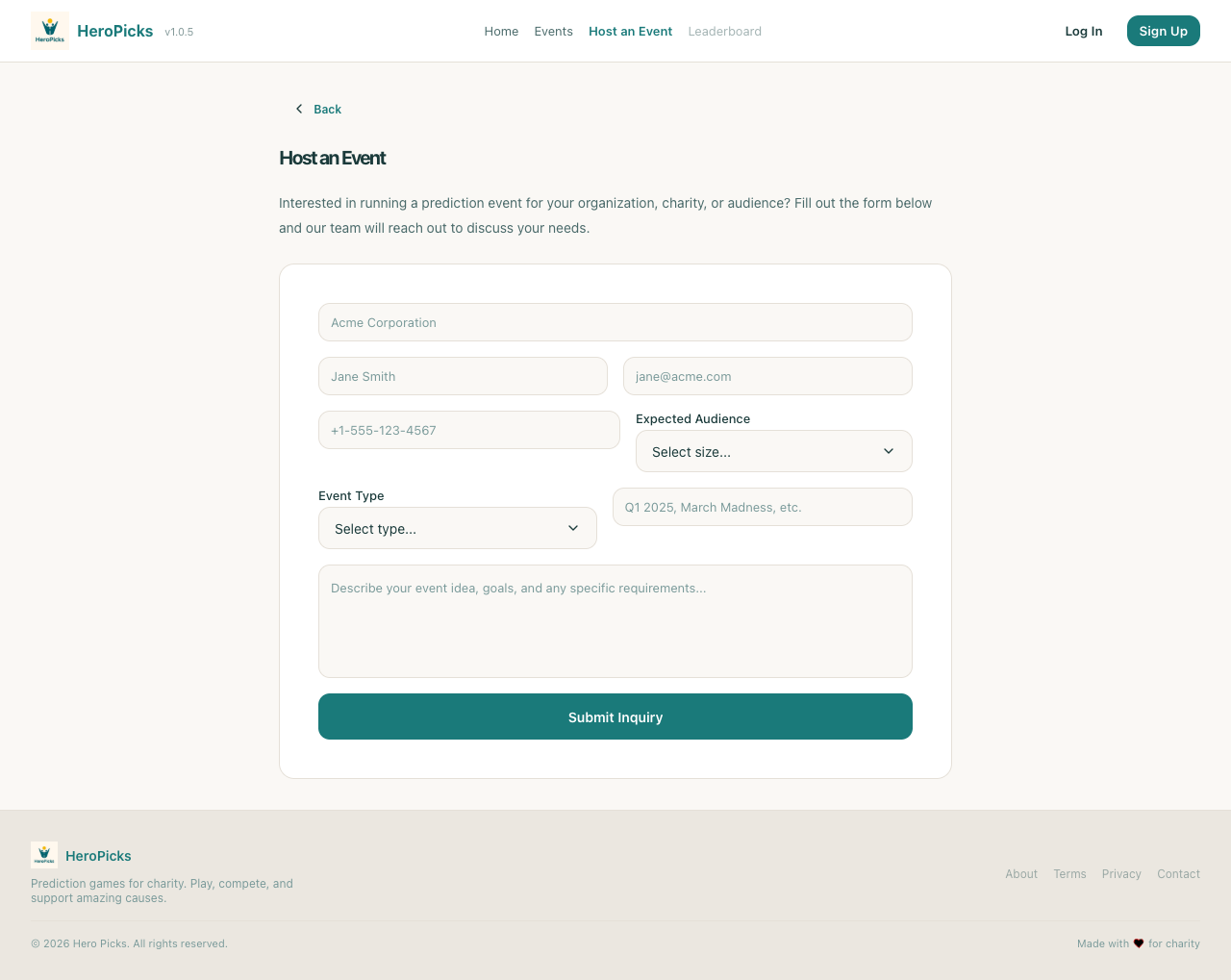
PASS
Step 4: Form shows audience size selector
1ms
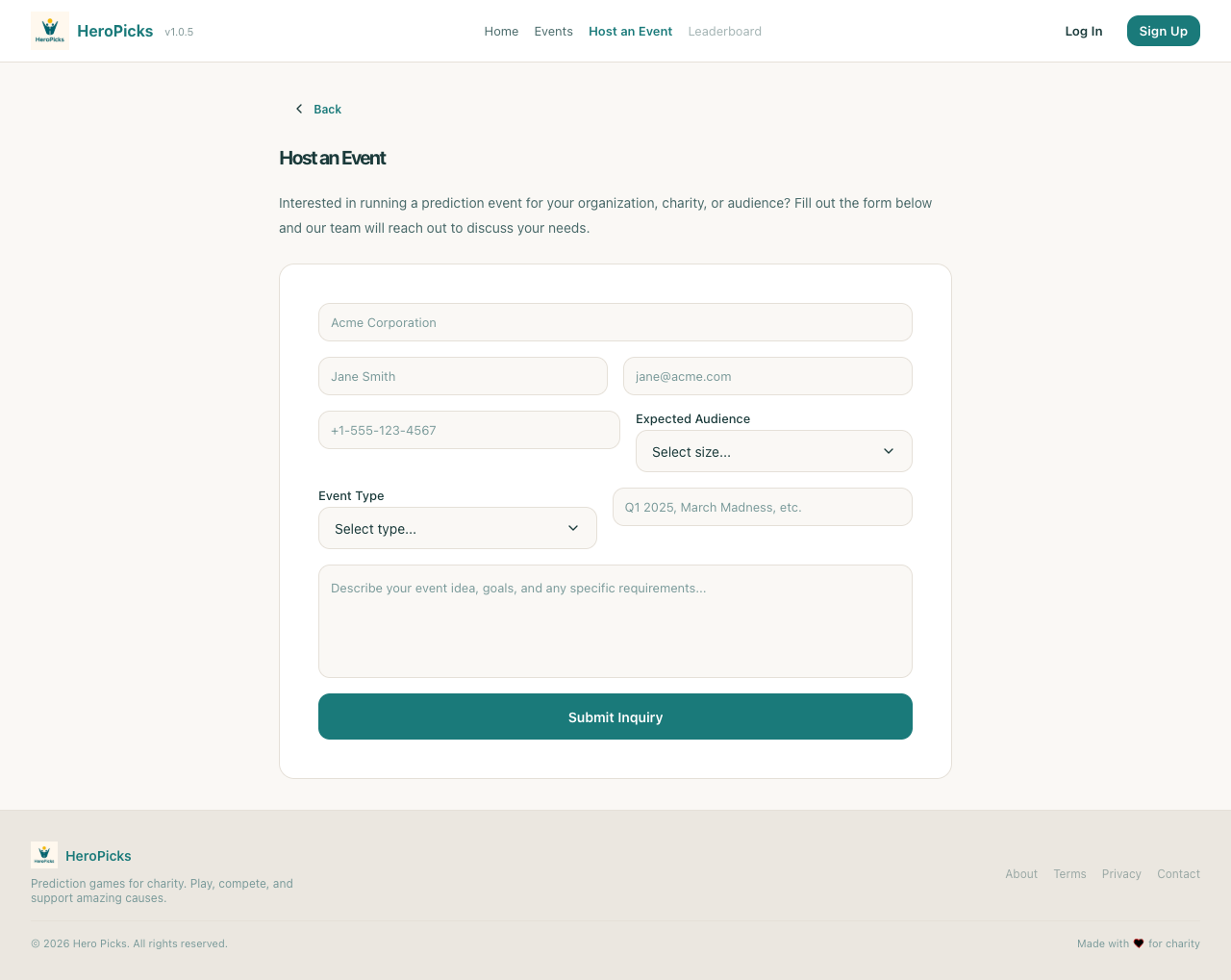
PASS
Step 5: Form shows event type selector
1ms
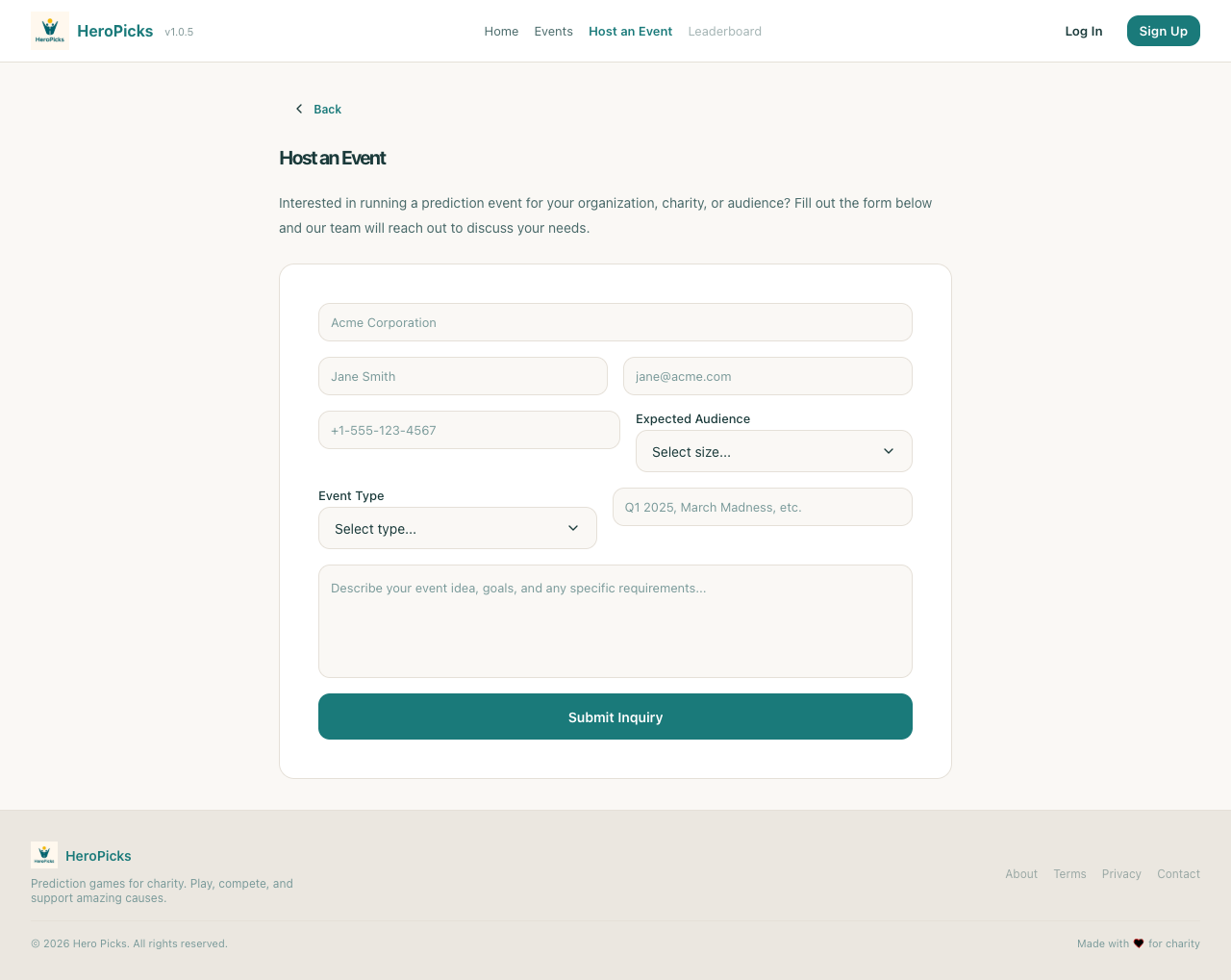
PASS
Step 6: Form shows submit button
0ms
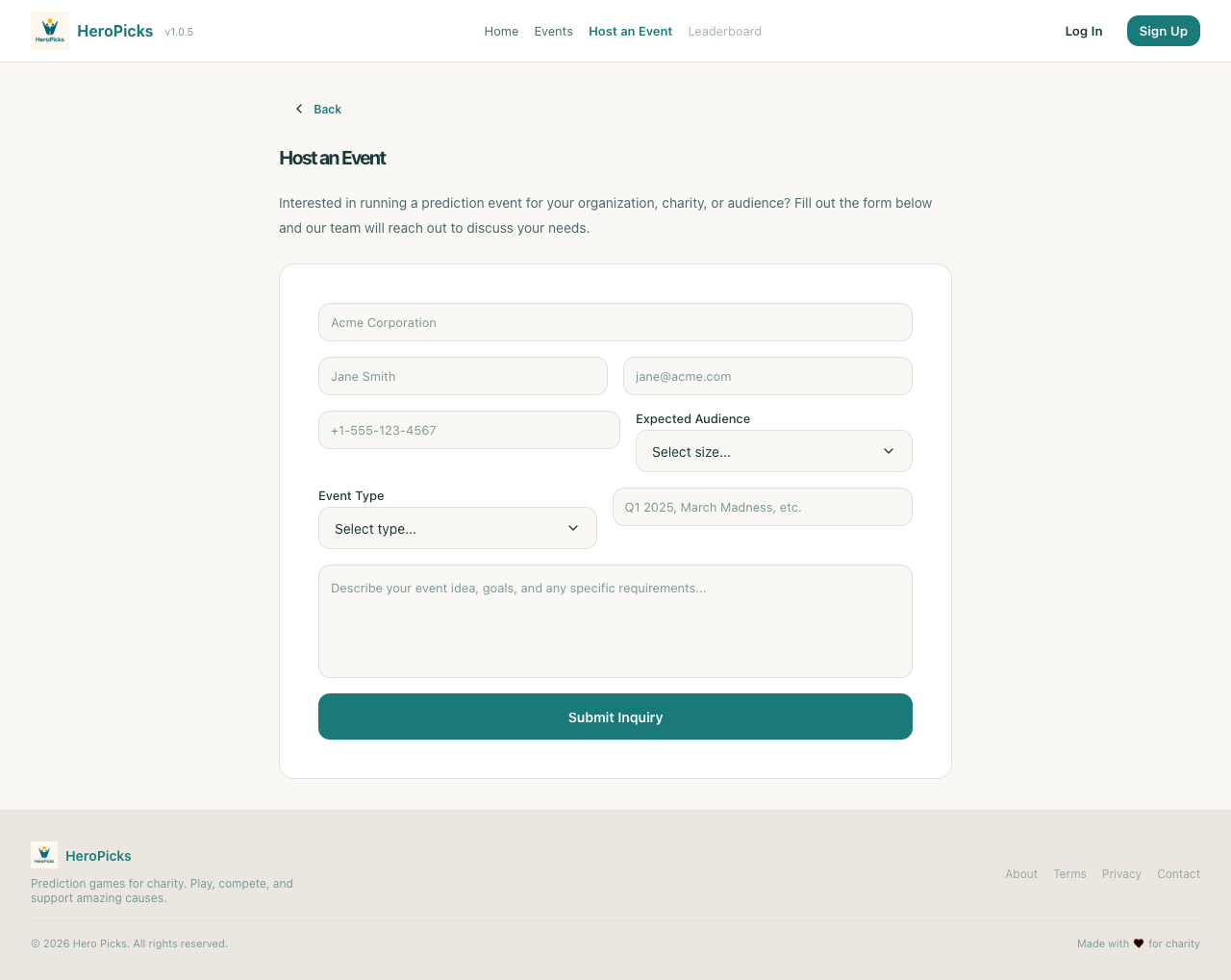
PASS
Step 7: Empty form shows validation error on submit
527ms
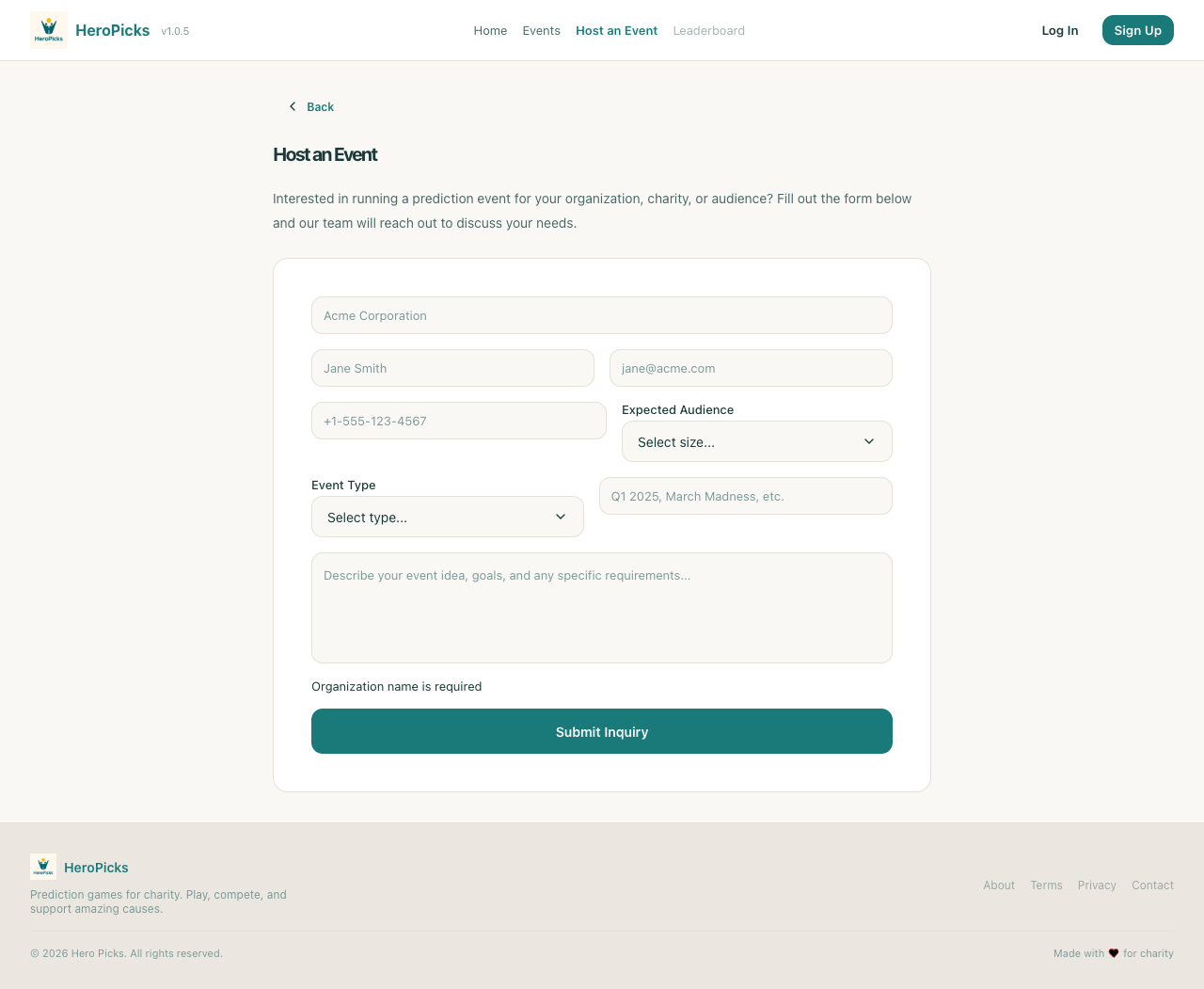
PASS
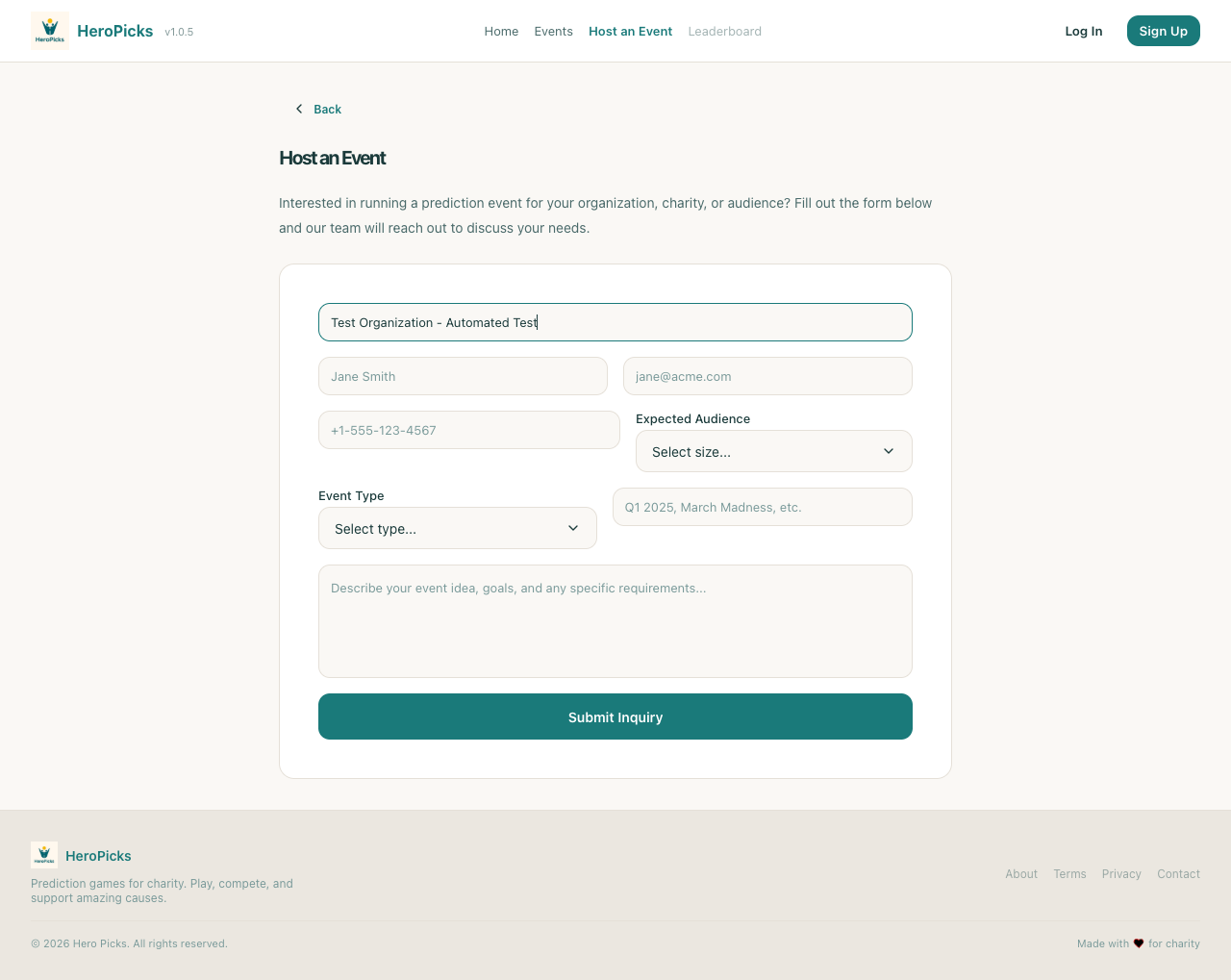
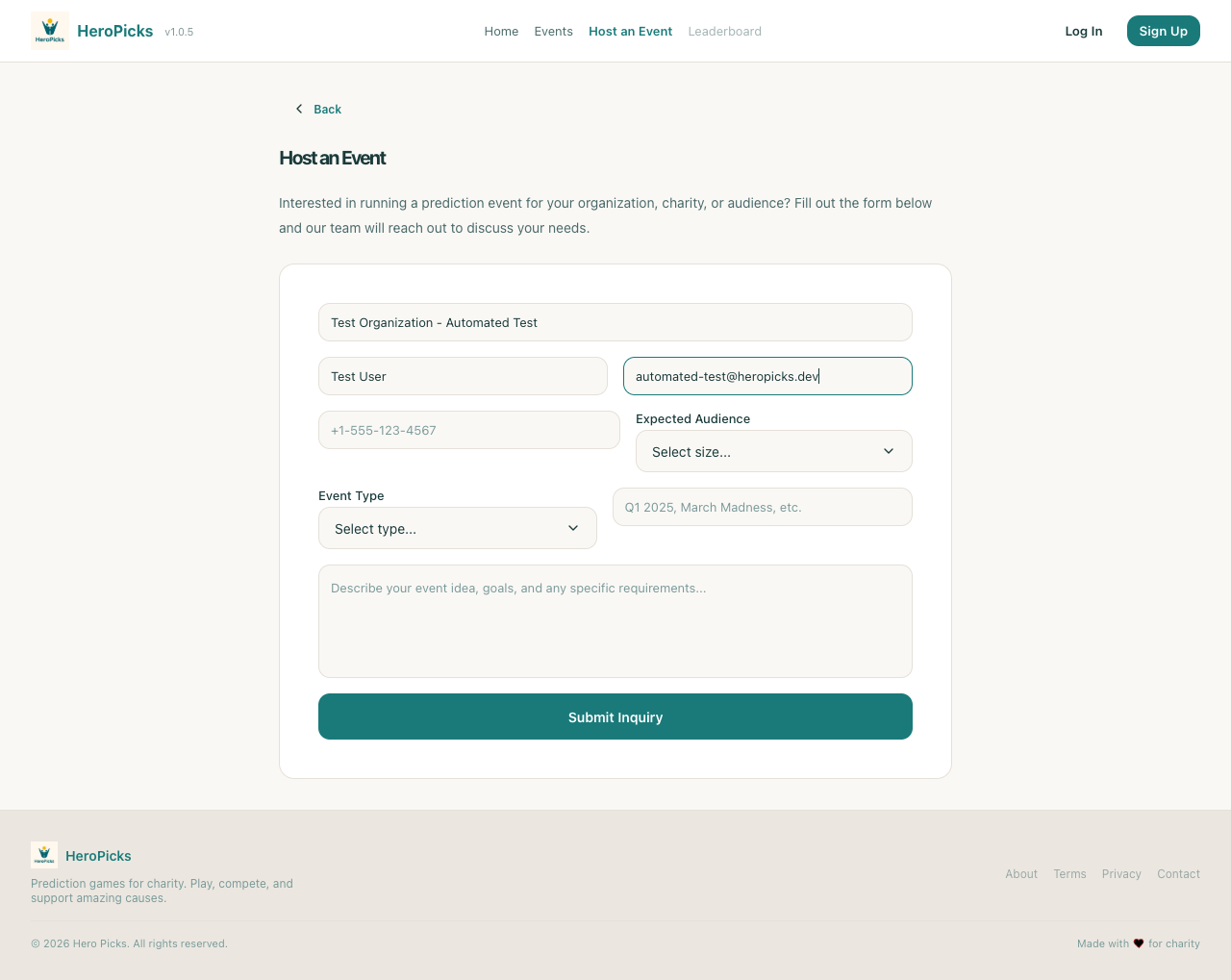
Step 8: User can fill organization name
238ms
PASS
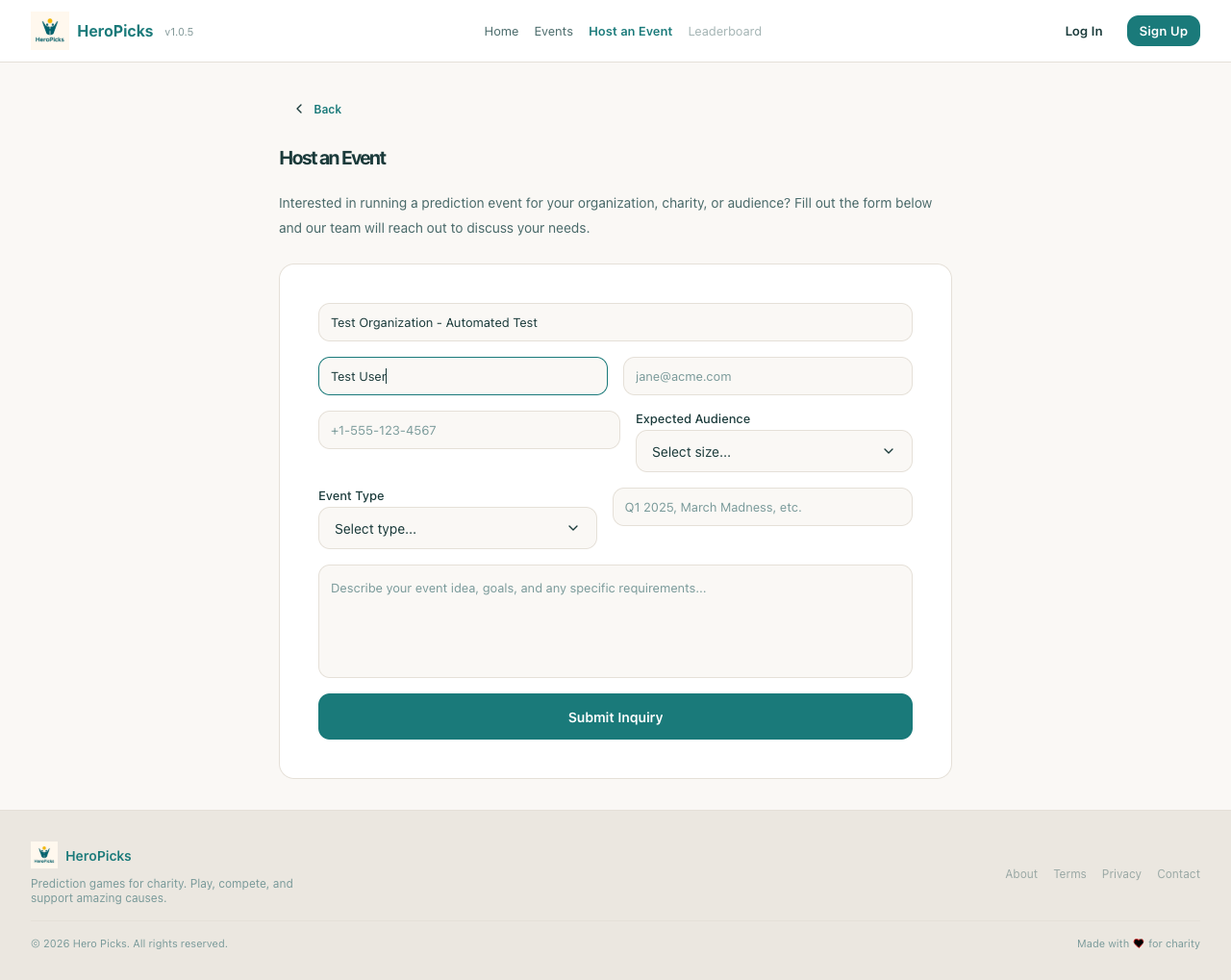
Step 9: User can fill contact name
71ms
PASS
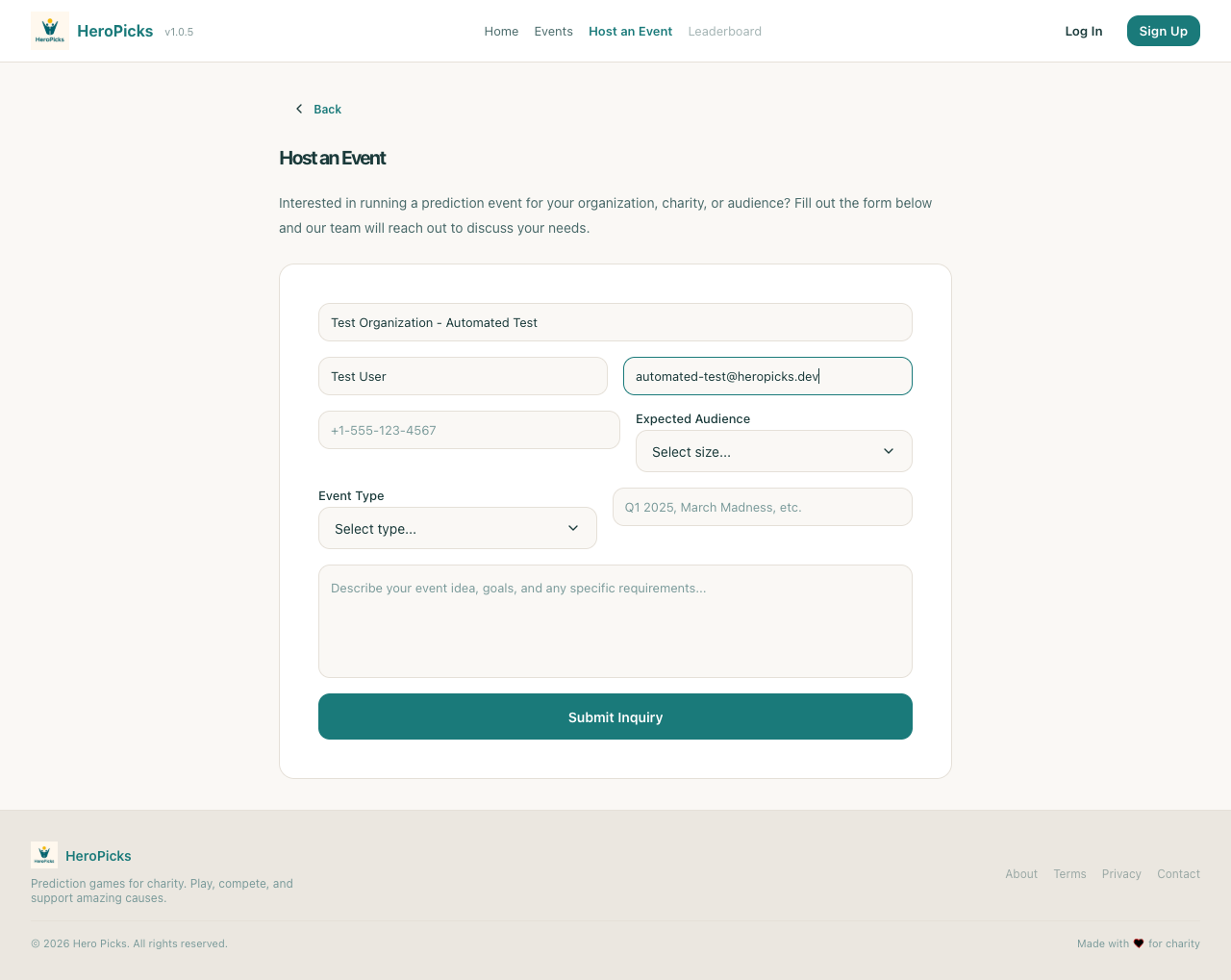
Step 10: User can fill email address
184ms
PASS
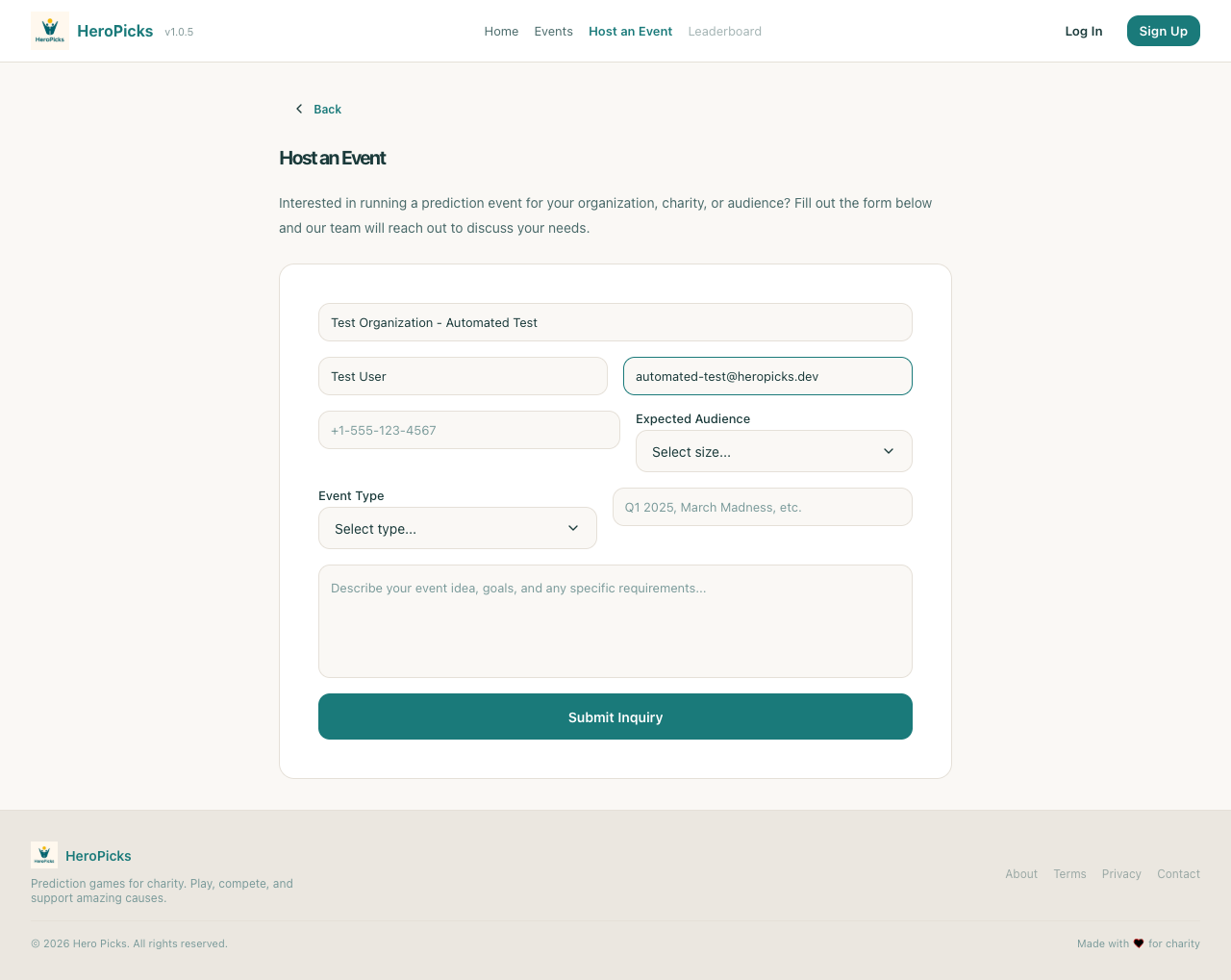
Step 11: User can select expected audience size
606ms
PASS
Step 12: User can select event type
606ms
PASS
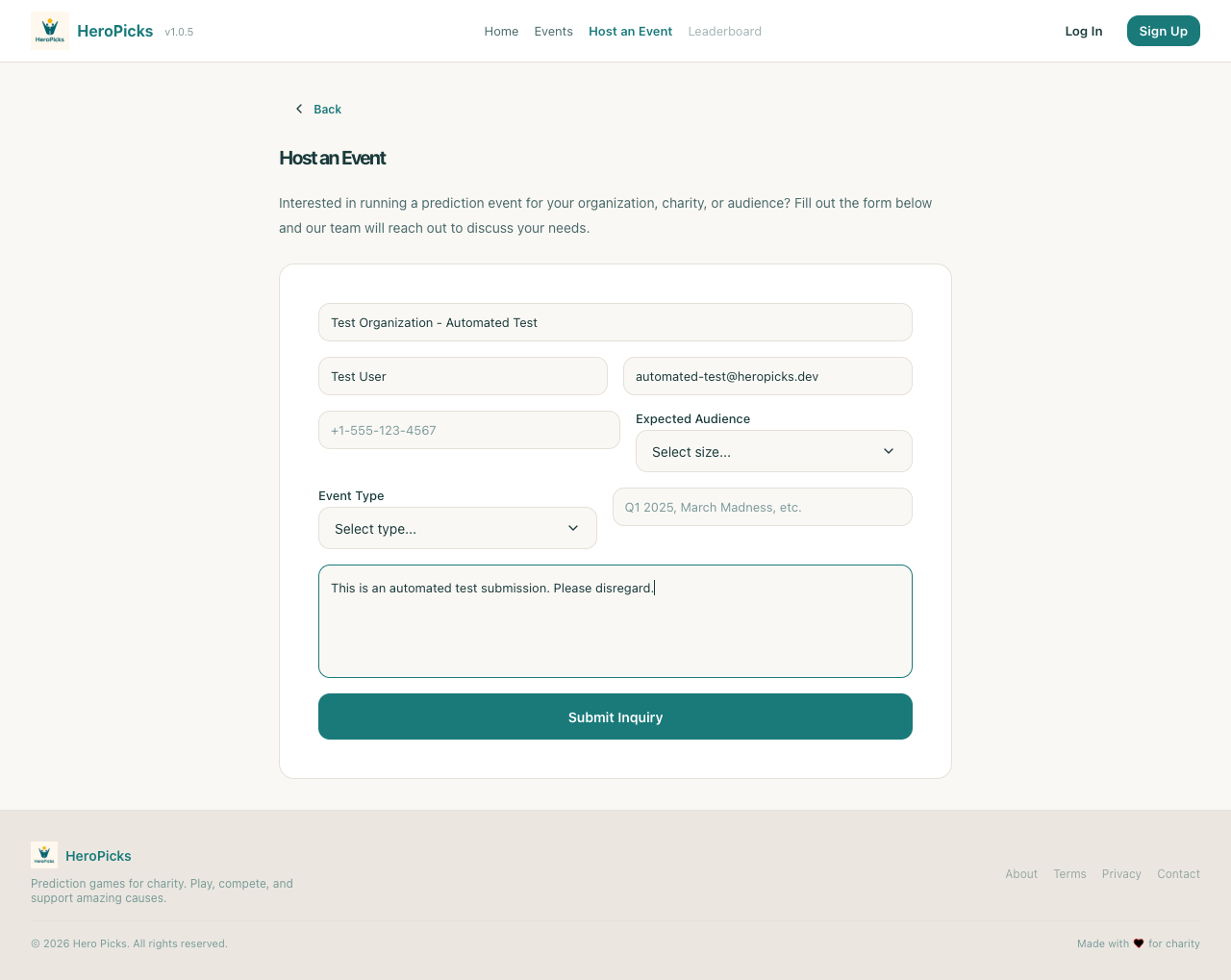
Step 13: User can add optional message
315ms
PASS
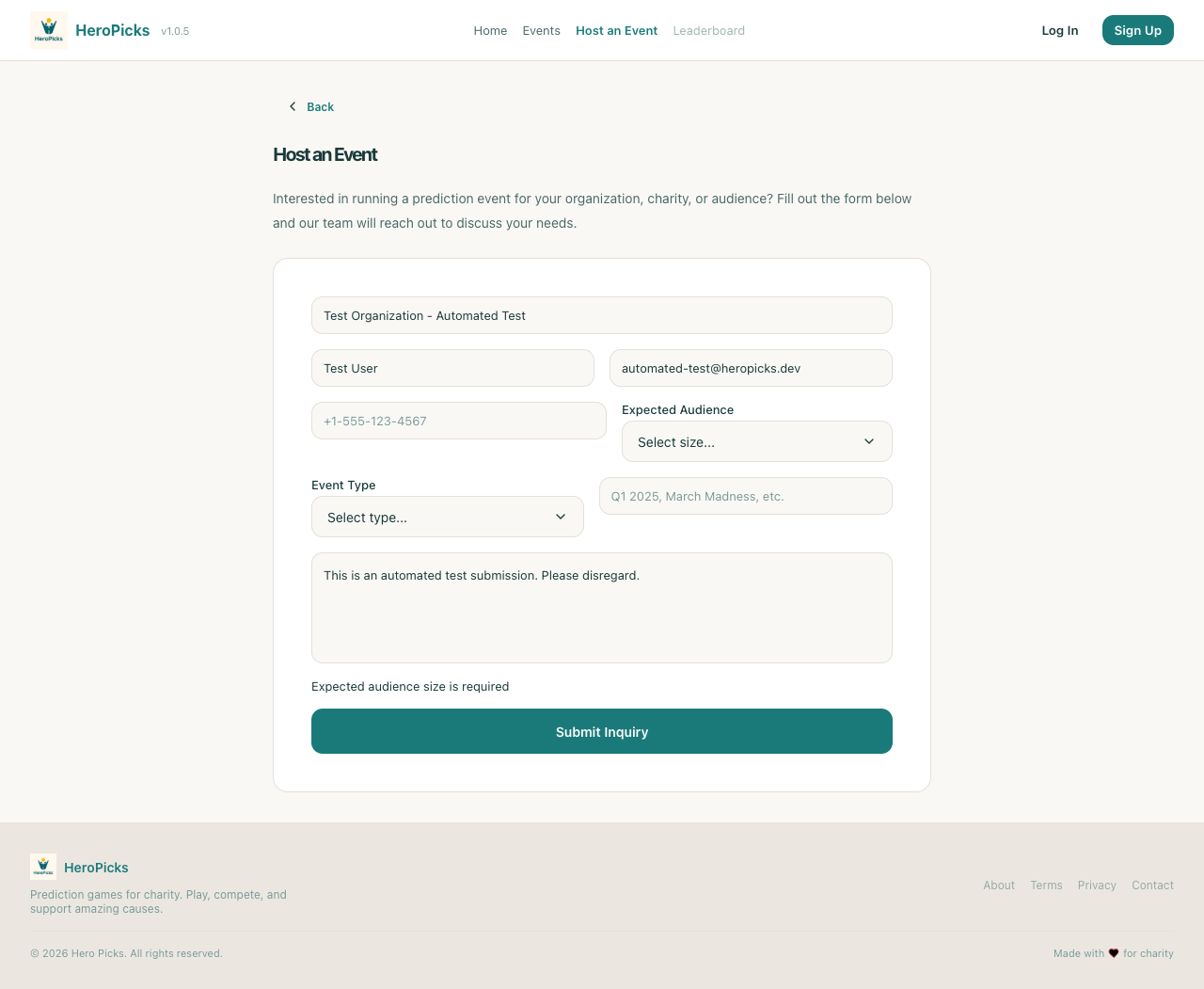
Step 14: User can submit the inquiry form
3522ms
PASS
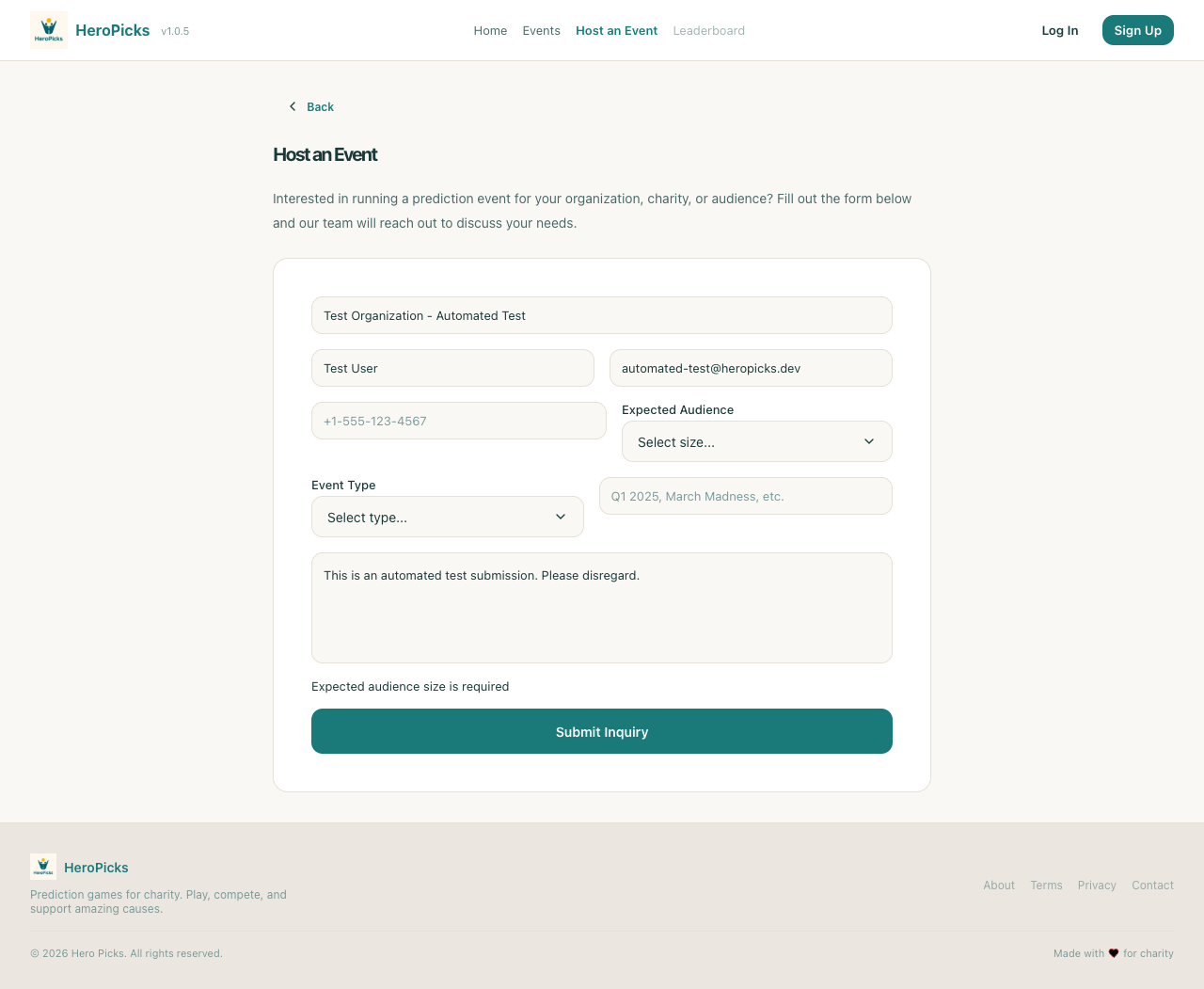
Step 15: Success page shows confirmation message
1ms
PASS
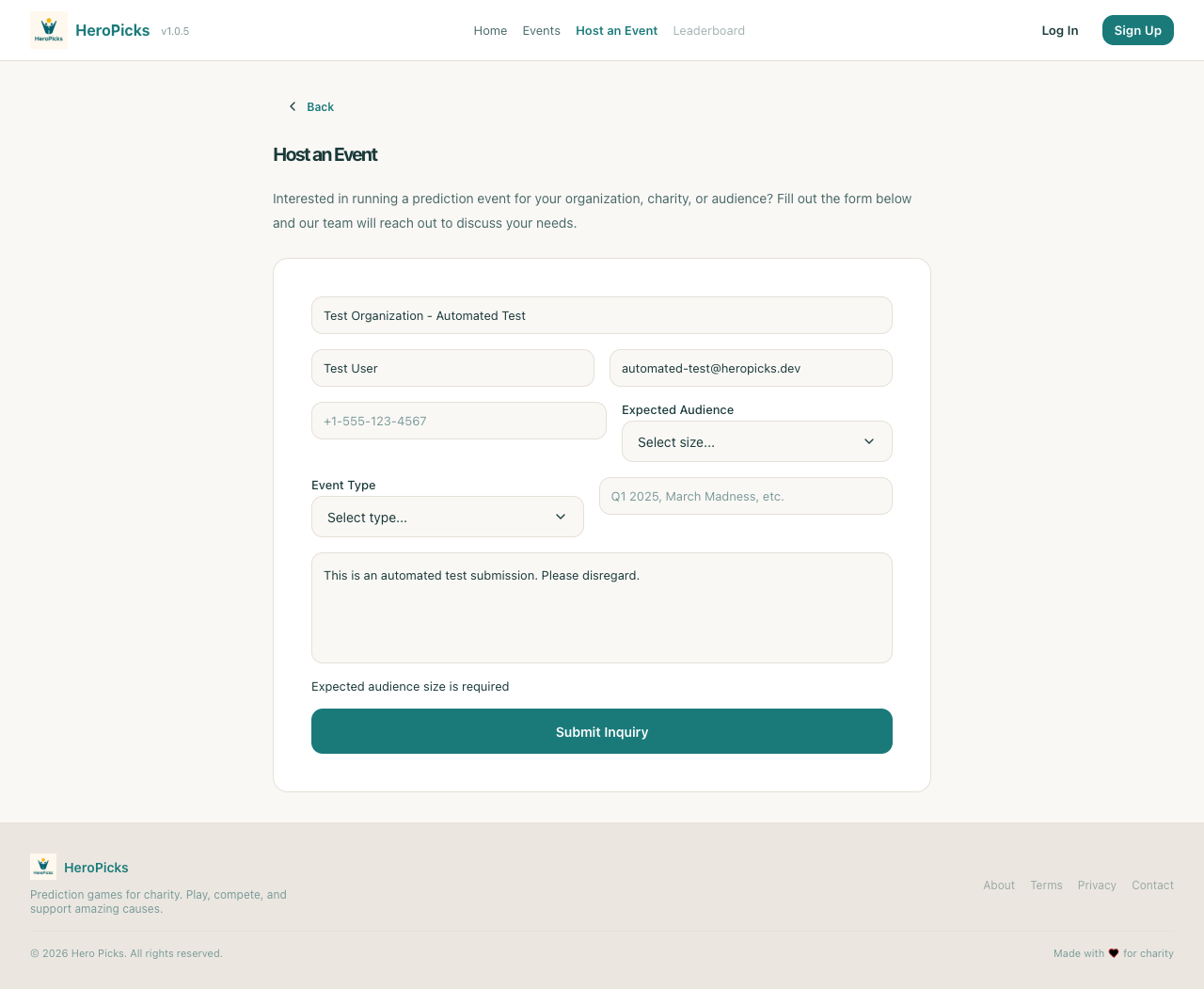
Step 16: Event listing API is accessible
315ms
PASS
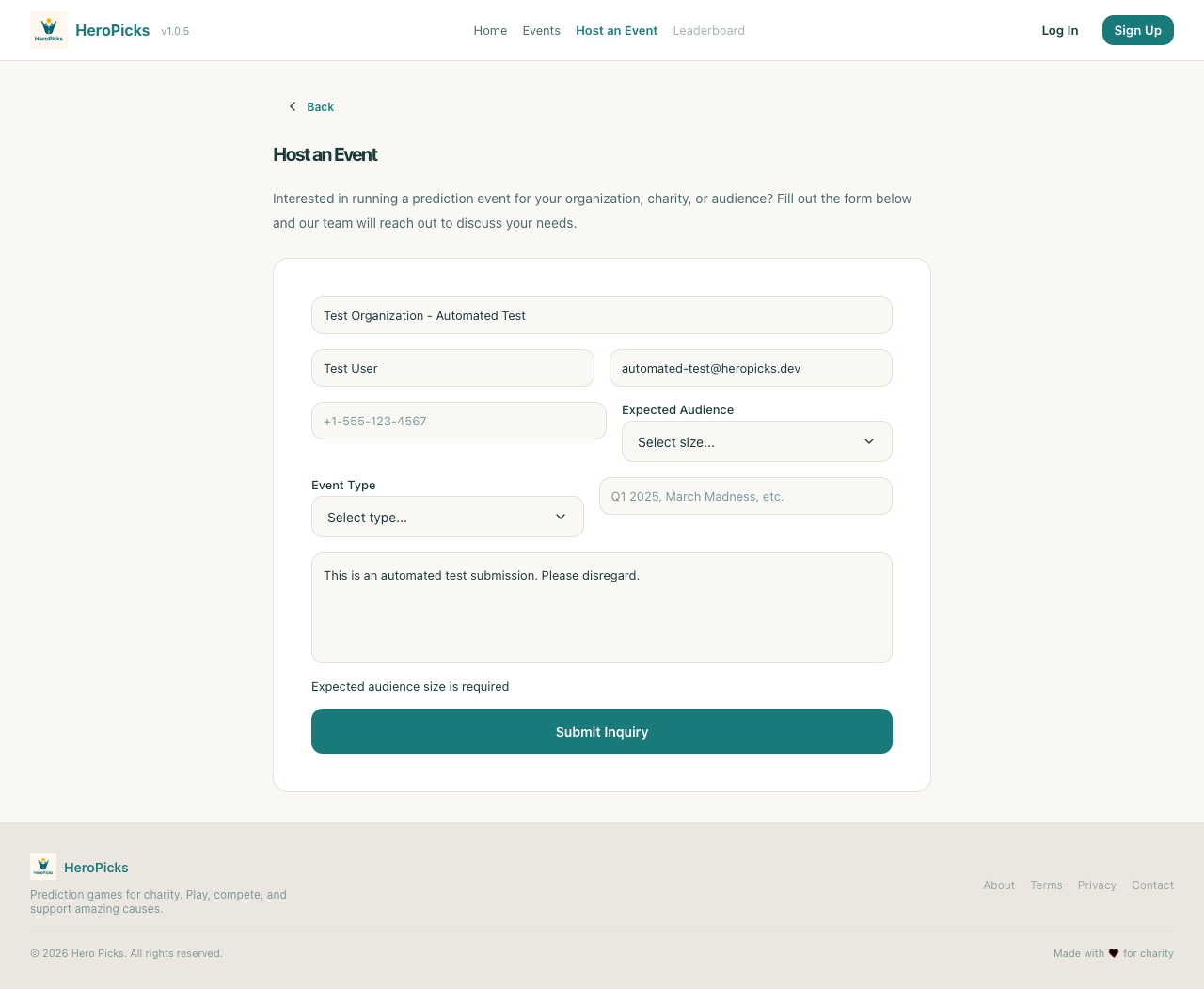
Step 17: Inquiry submission API is available
120ms
PASS
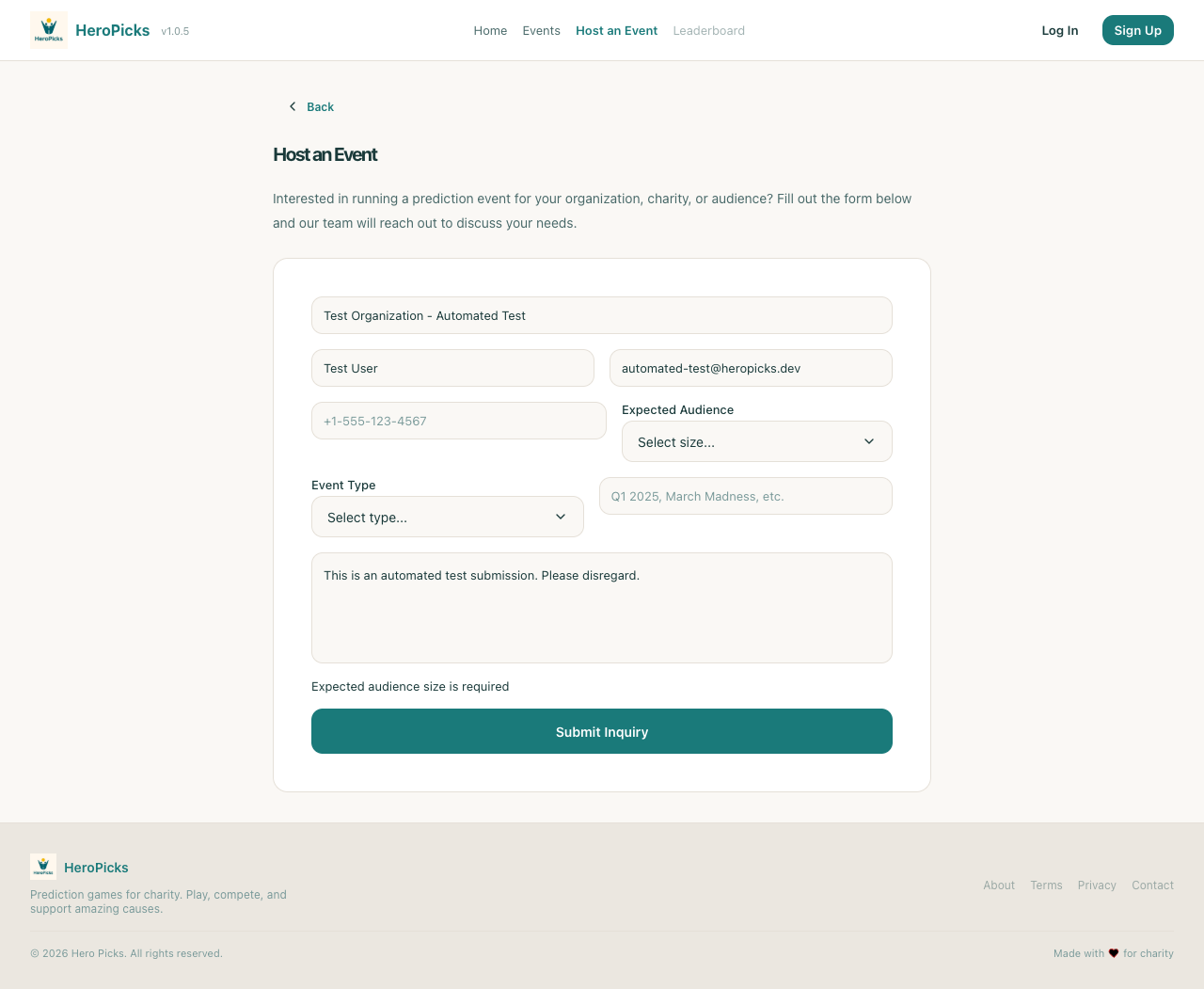
Step 18: Event theme color API is available
109ms
PASS
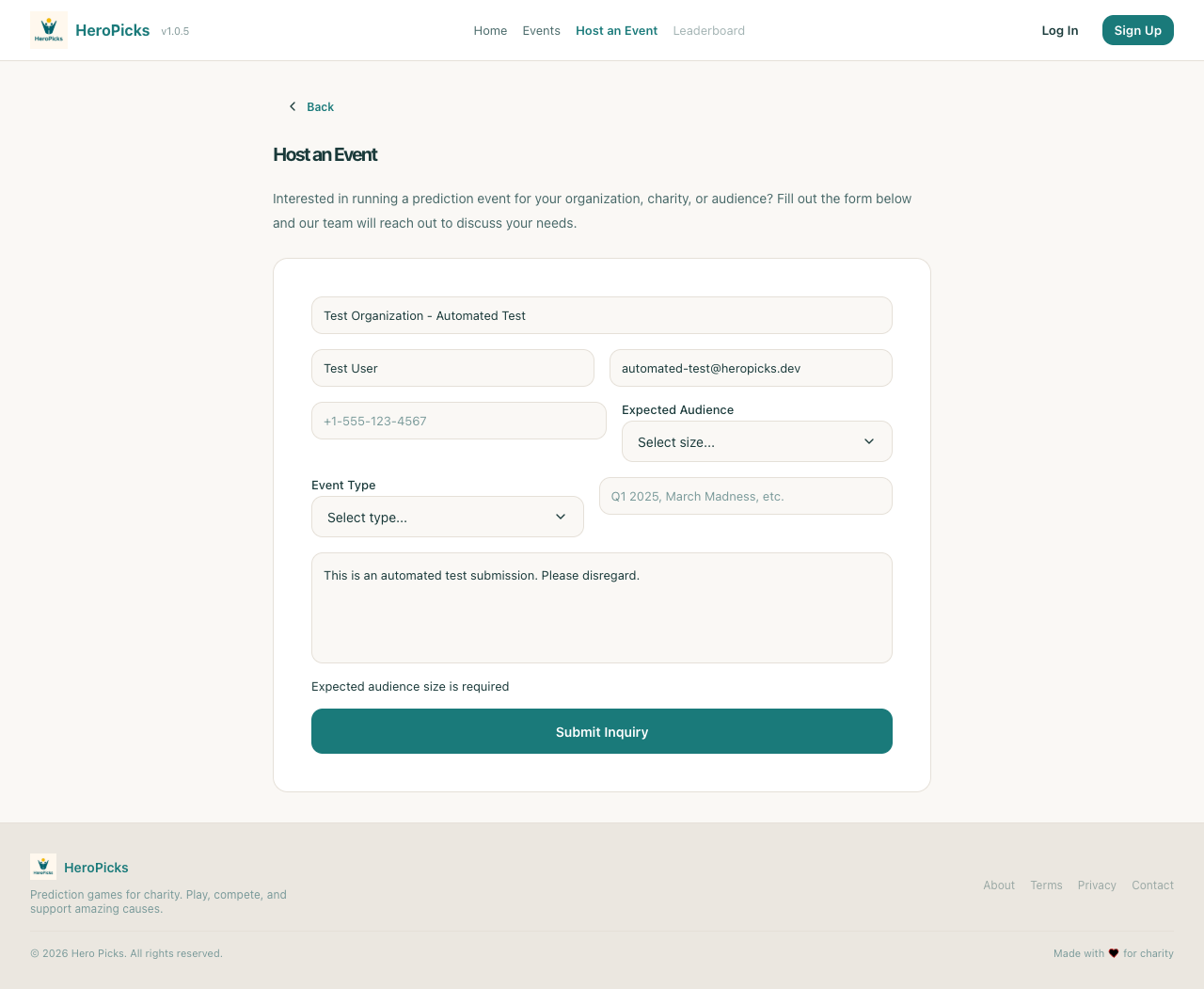
Step 19: Event banner upload API is available
95ms
PASS
Step 20: Event logo upload API is available
101ms
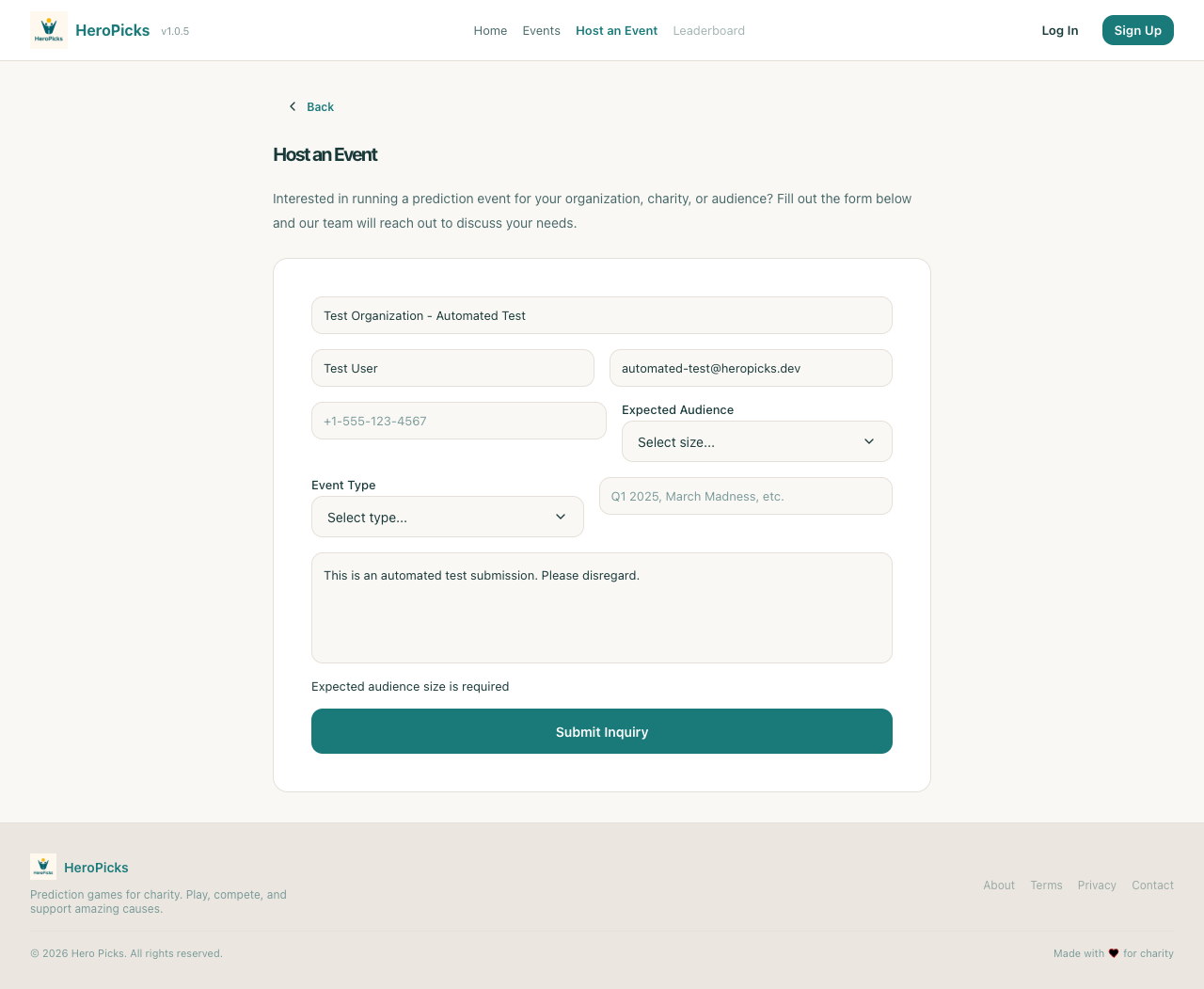
PASS
Step 21: User can view branded event page
2719ms
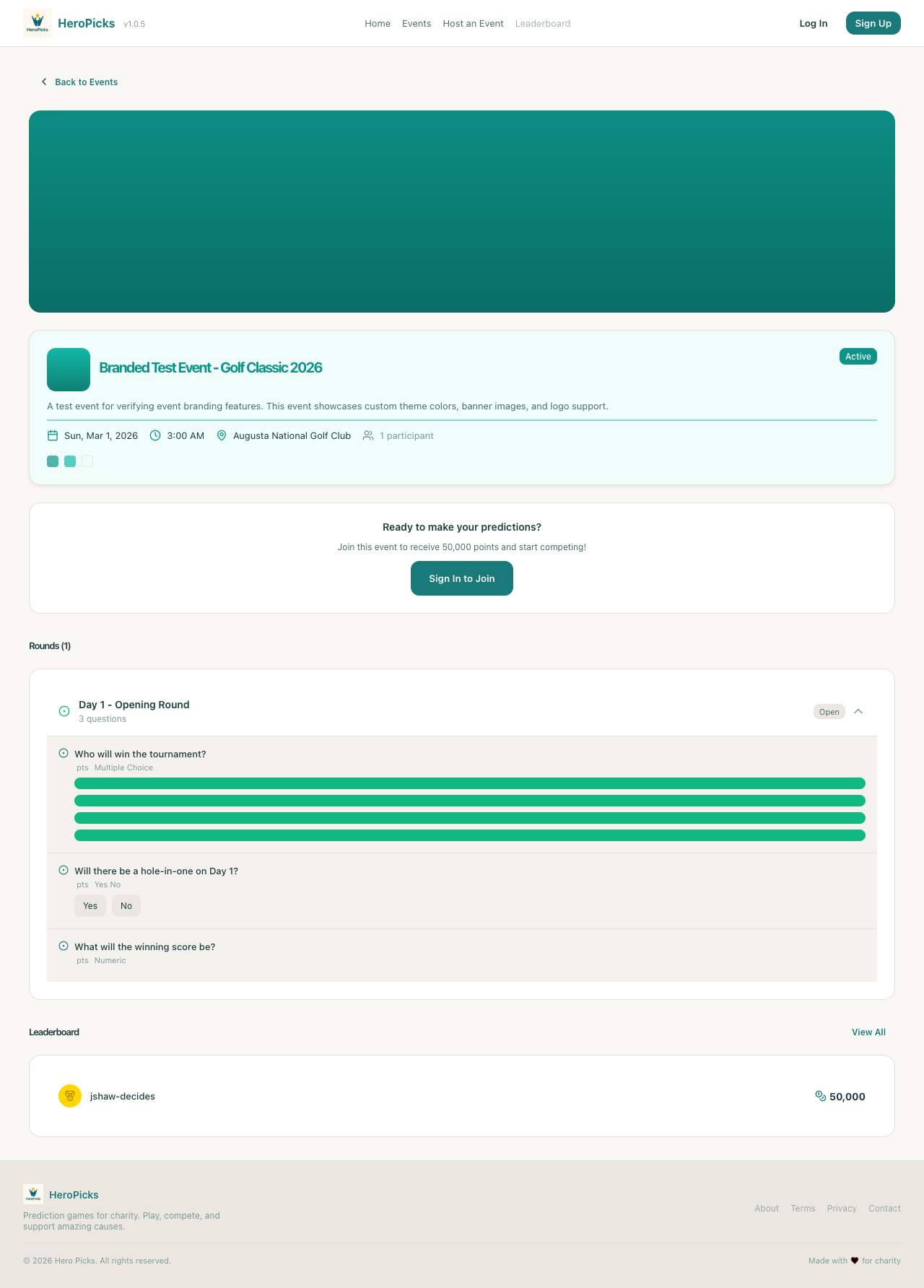
PASS
Step 22: Event banner image displays correctly
1ms
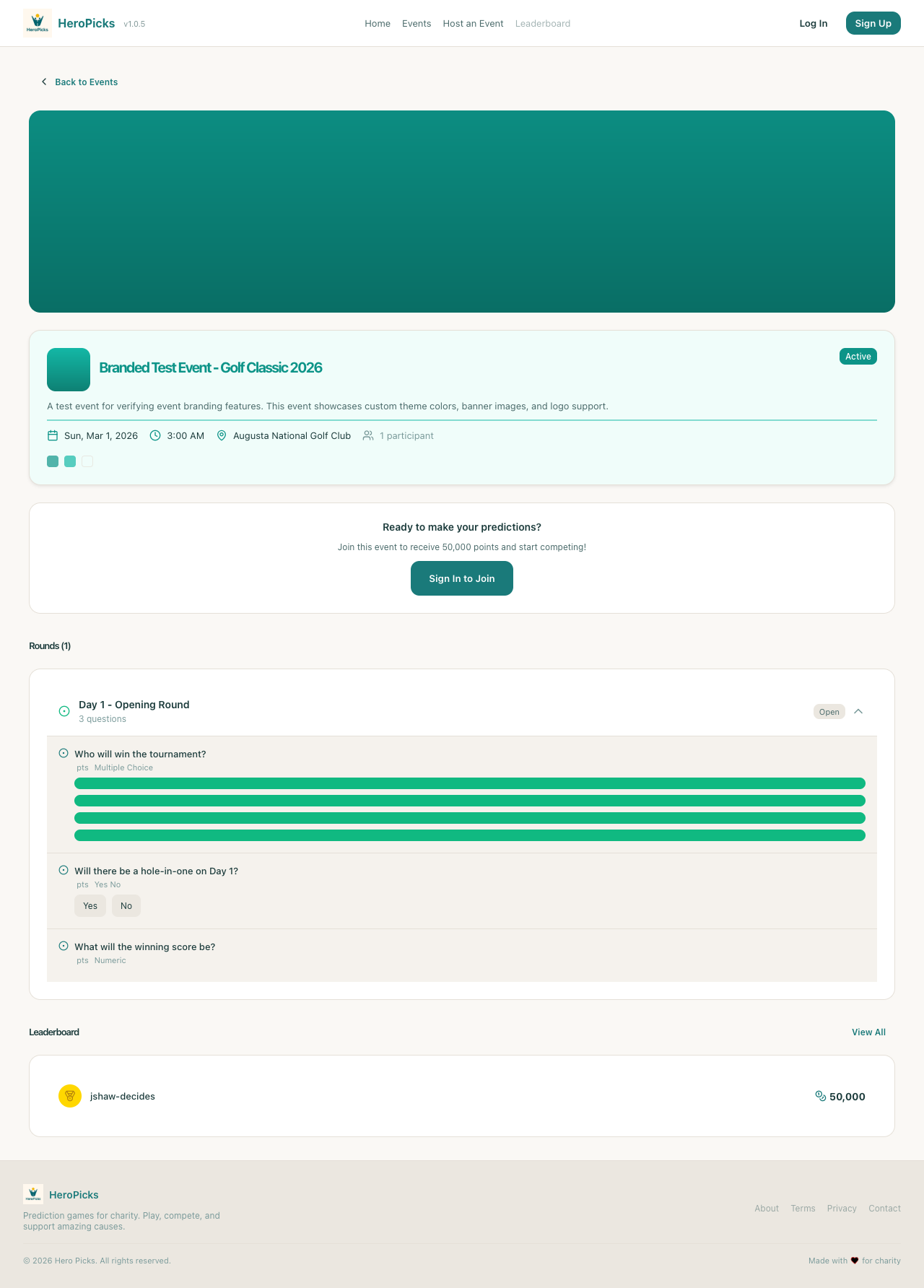
PASS
Step 23: Event logo image displays correctly
1ms
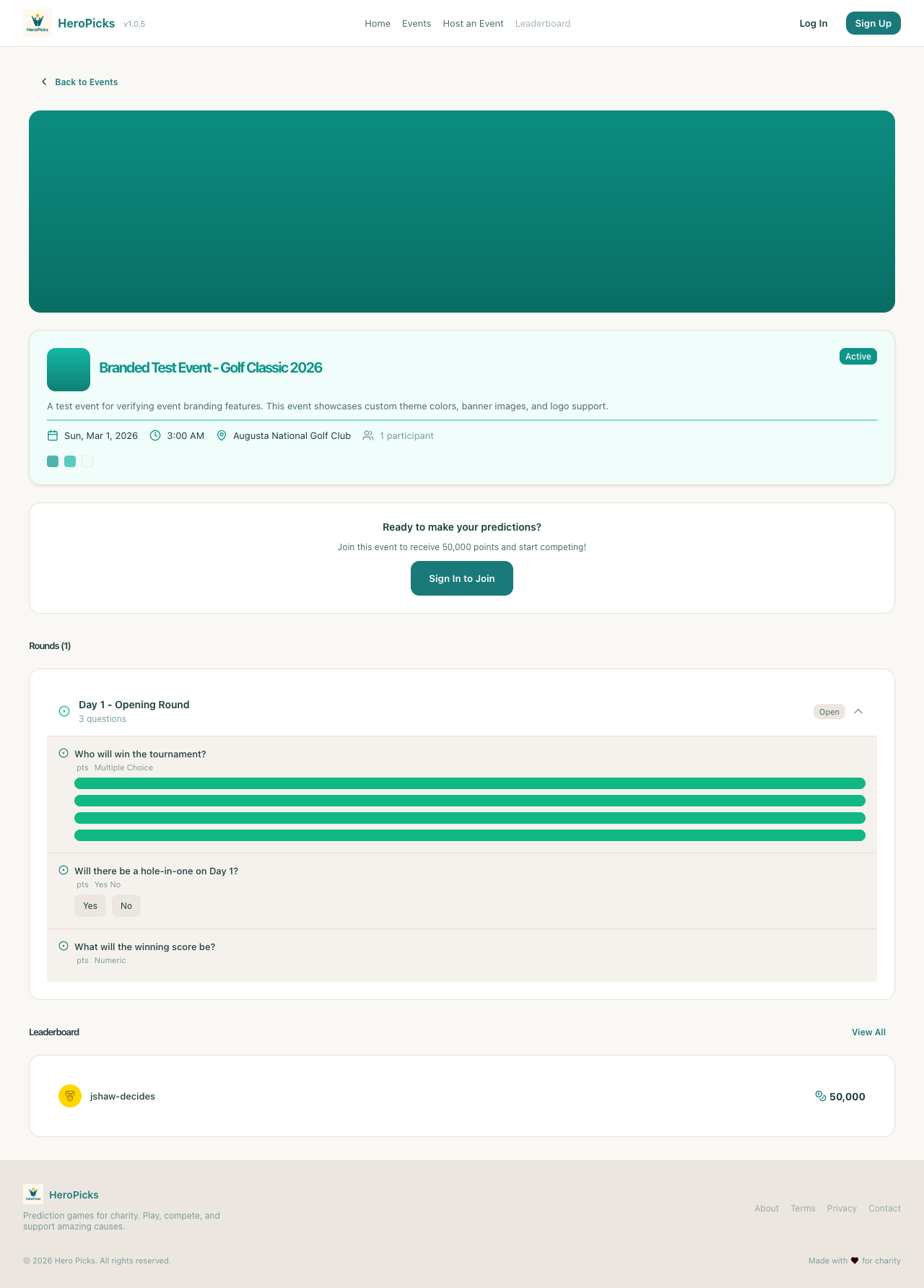
PASS
Step 24: Event branding colors are applied
1ms
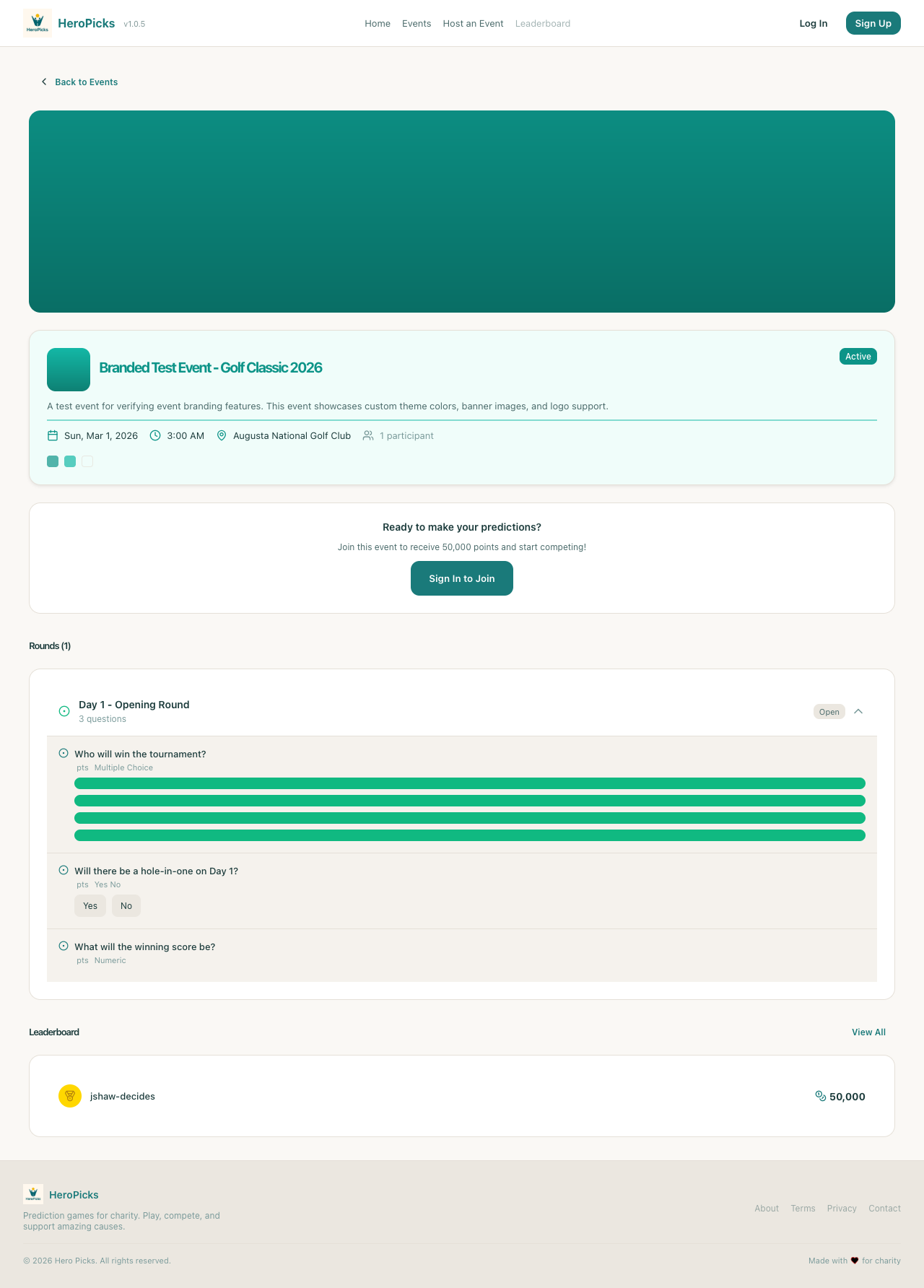
PASS
Step 25: Color swatches display in event header
1ms
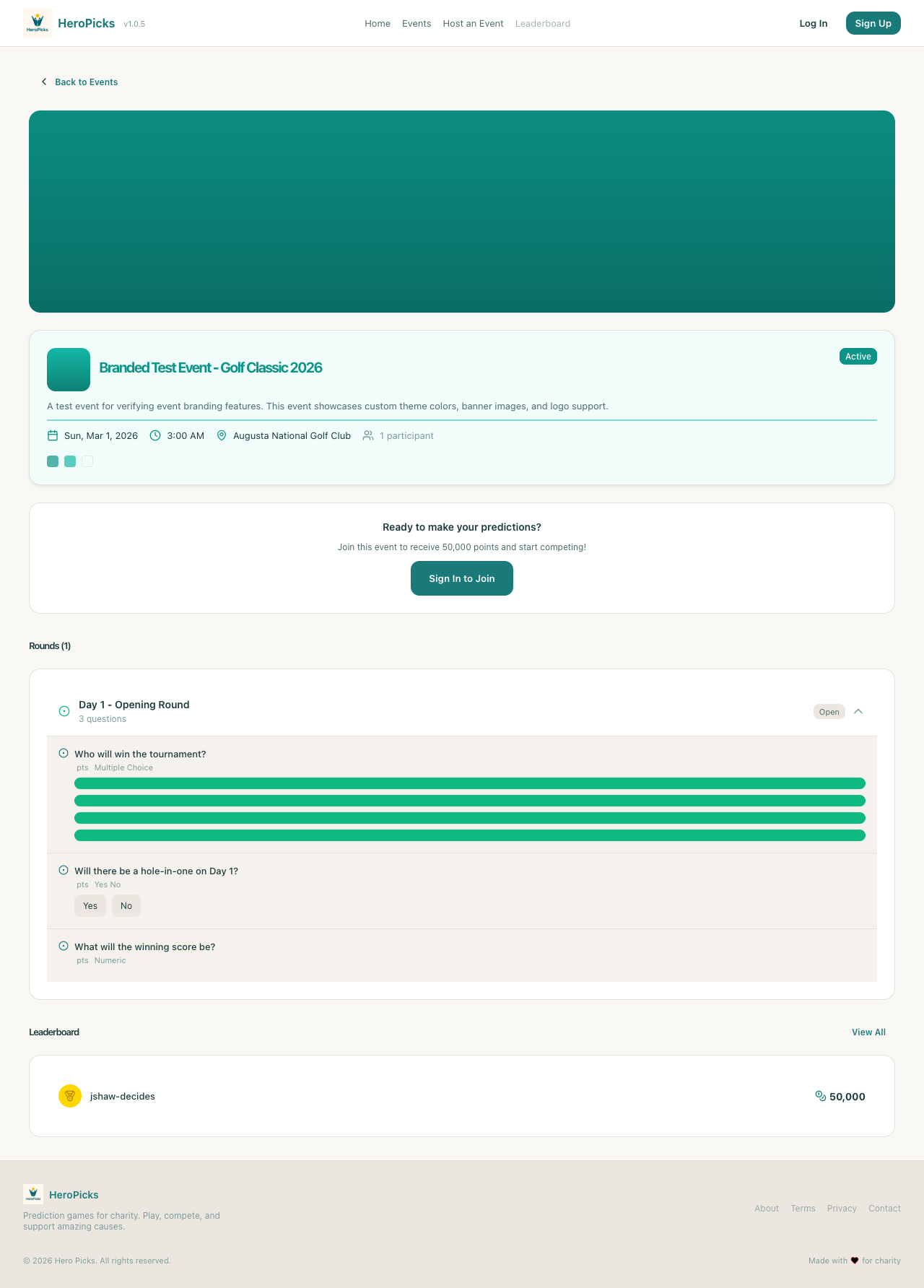
PASS
Step 26: Event title uses branded primary color
1ms
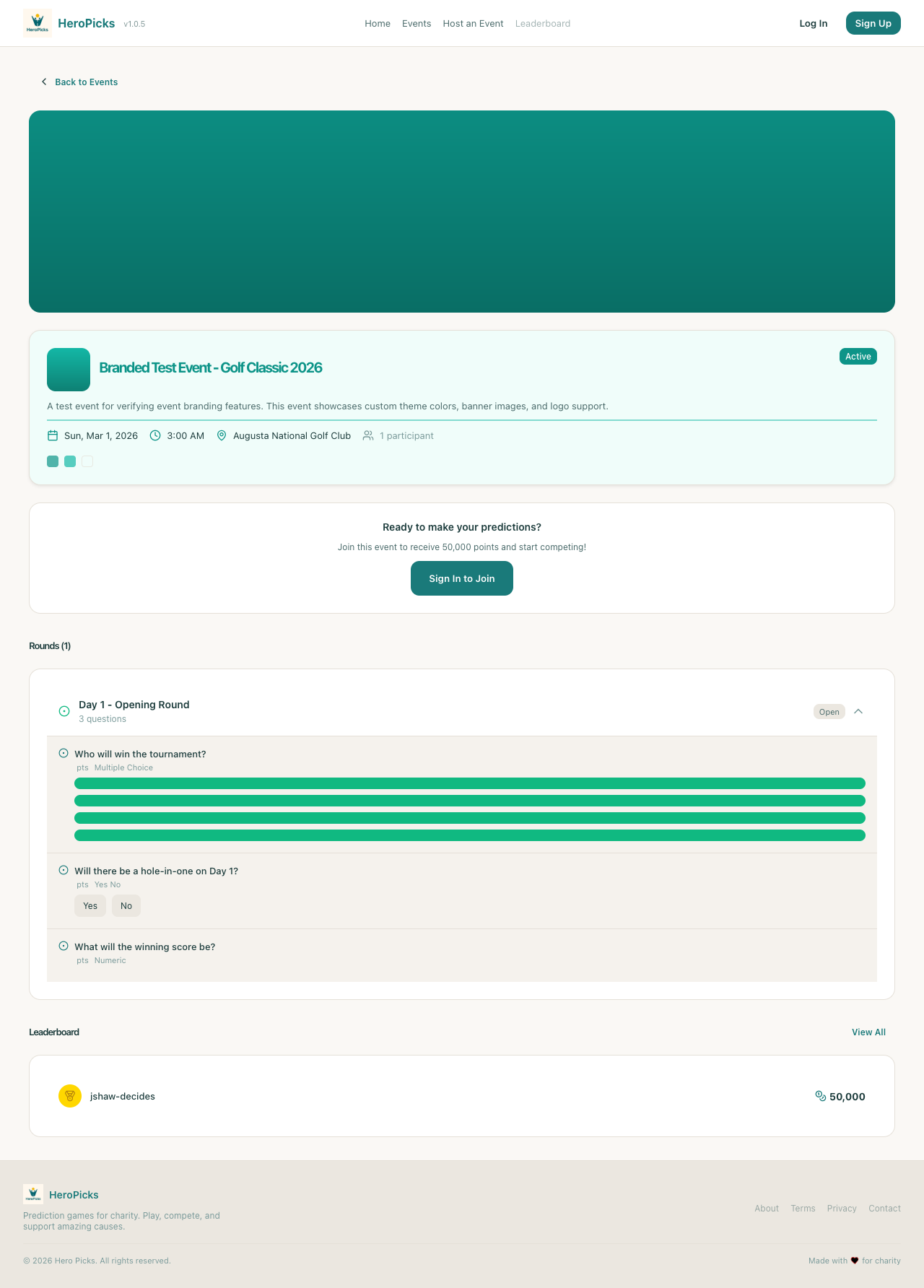
PASS
Step 27: Event status badge uses branded color
1ms
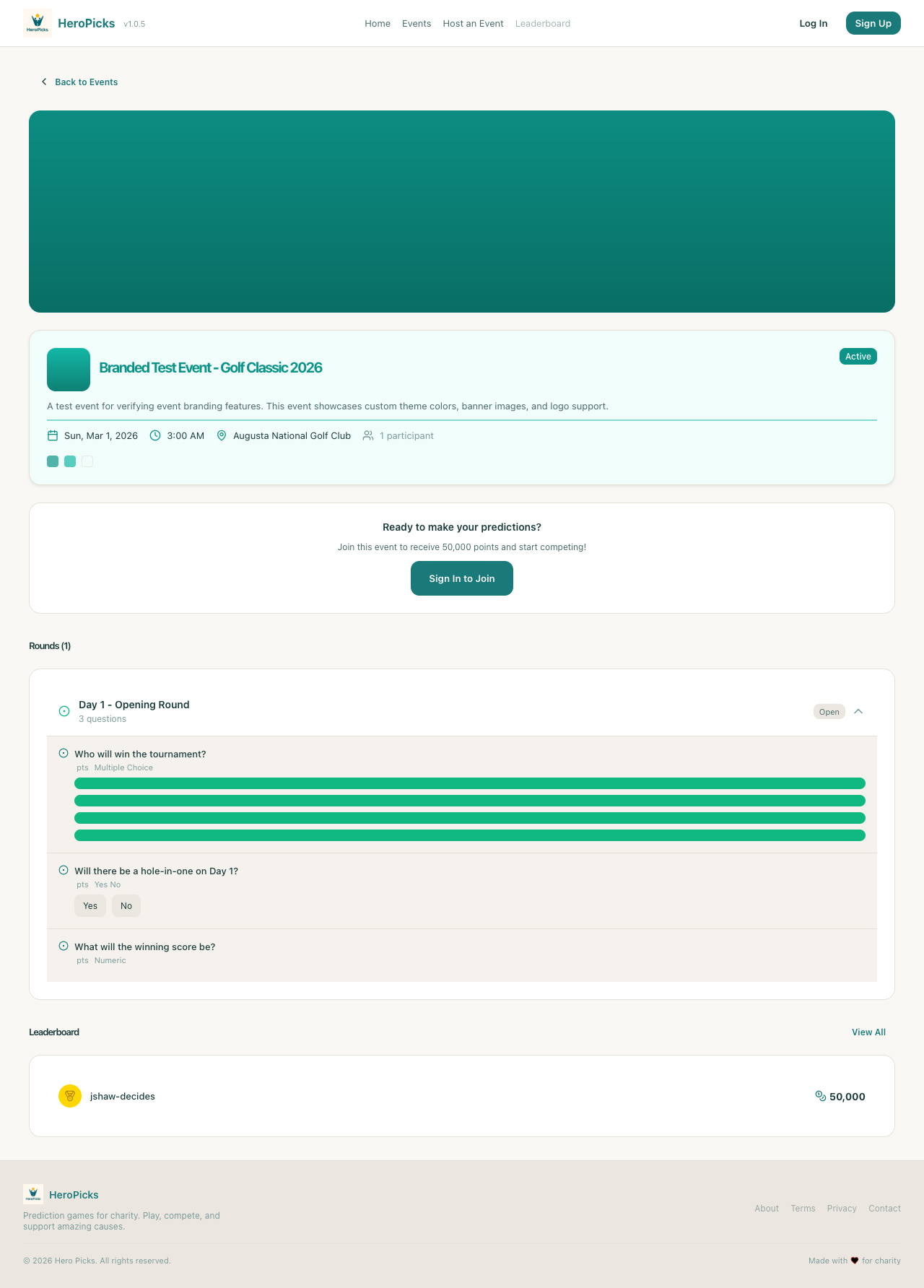
PASS
Step 28: Home page loads correctly
846ms
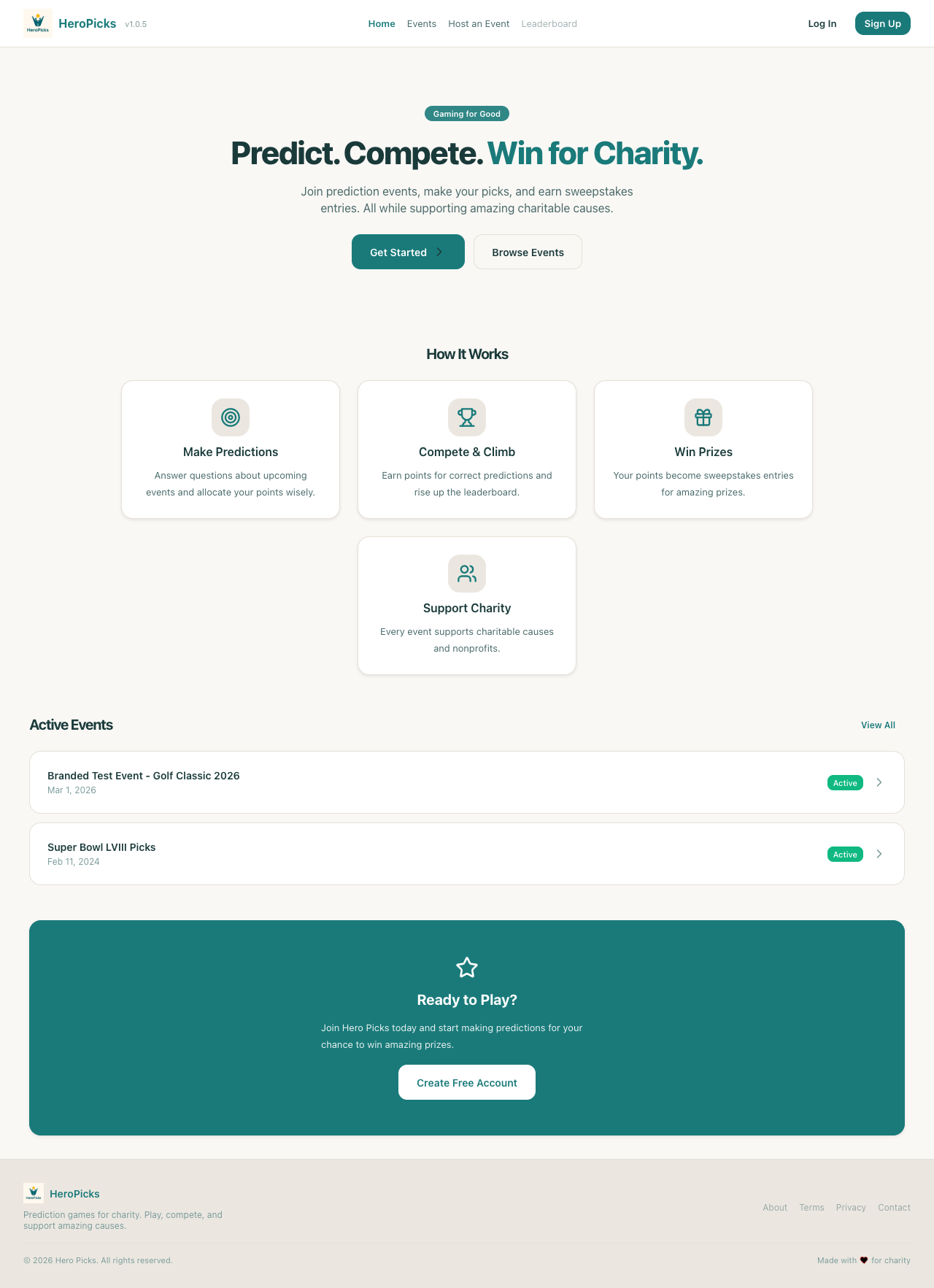
PASS
Step 29: Header shows Host an Event navigation link
1ms
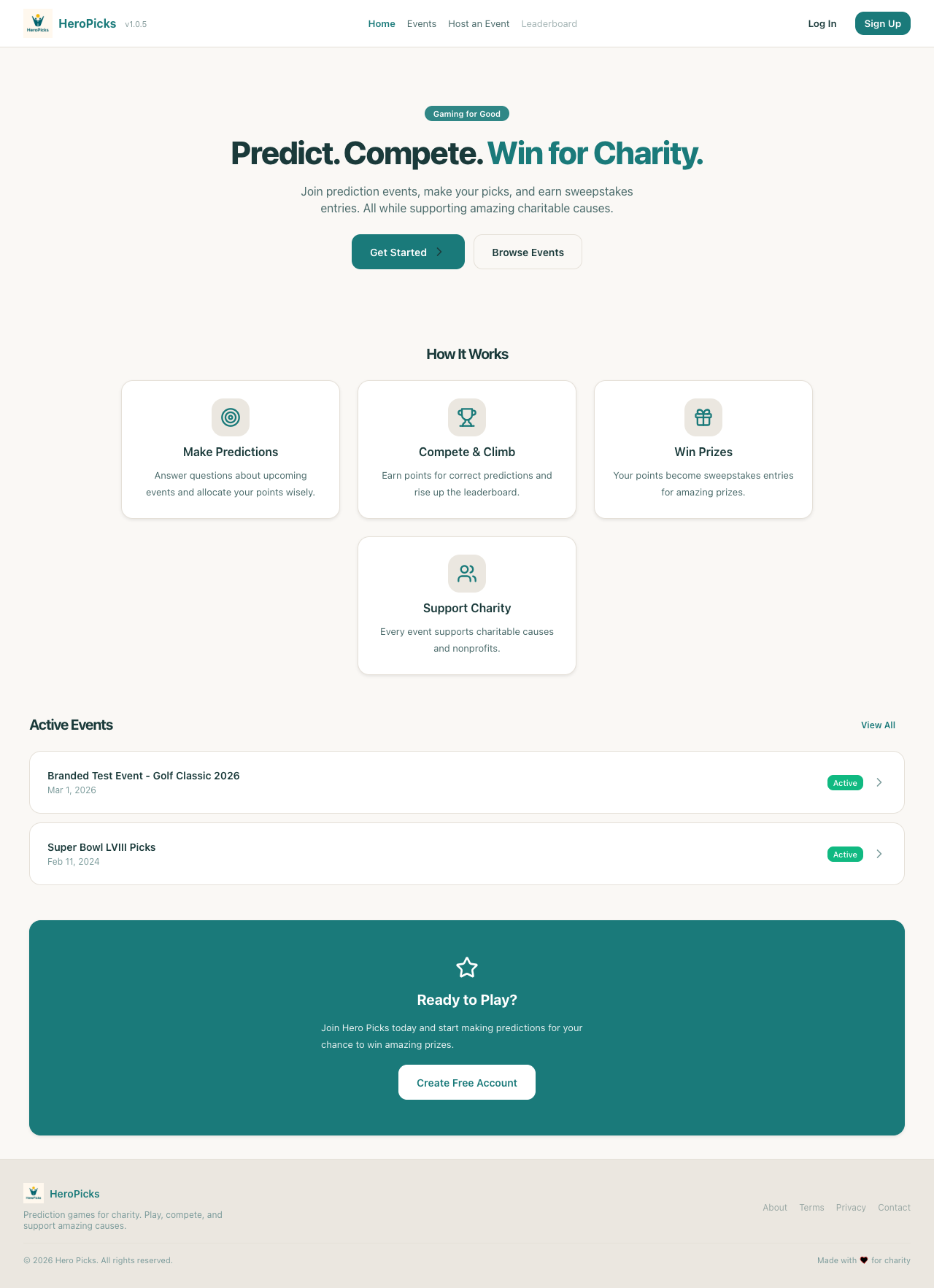
PASS
Step 30: Clicking Host an Event navigates to inquiry page
527ms